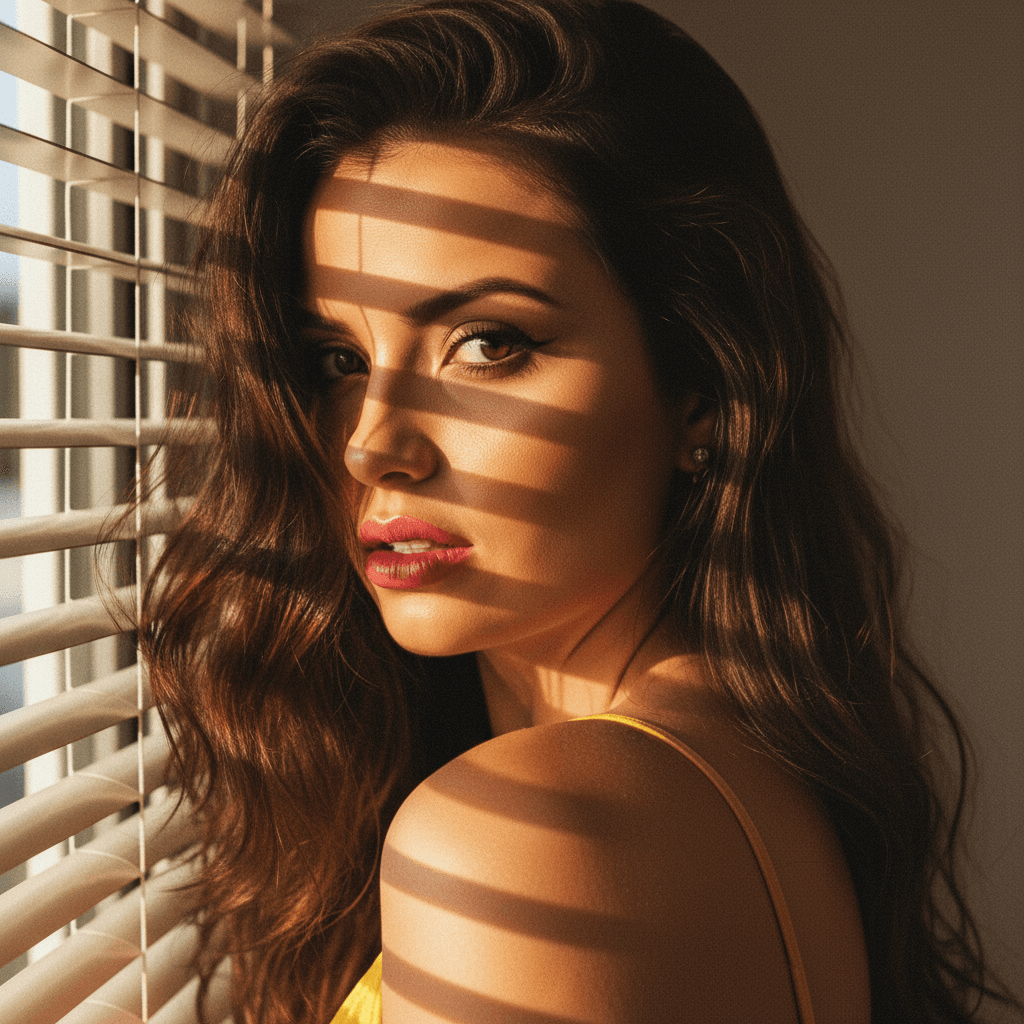

Why Natural Light is Key for LinkedIn Headshots
In the digital age, your LinkedIn profile serves as your professional introduction, often preceding face-to-face encounters. First impressions are crucial, and a high-quality headshot can be a deal-maker. Natural lighting can significantly enhance the quality and appeal of your photo, giving it an authentic and vibrant look.
The Advantages of Natural Light
- Authenticity: Natural light offers a softer, more authentic look compared to artificial lighting. It highlights your true colors and features.
- Cost-Effective: Avoid the expense of expensive lighting equipment when you opt for the natural light provided by the sun.
- Accessibility: You can utilize natural stationary backdrops, like textured walls or lush greenery, to complement your headshot without extra cost.
Creating the Perfect Natural Light Headshot
Timing is Everything
The best time to capture a naturally-lit headshot is during the golden hour, which occurs shortly after sunrise or before sunset. The sun is lower in the sky, providing a warm and diffused light.
Positioning
- Indoor Near a Window: Place yourself near a north or south-facing window to take advantage of soft indirect light.
- Outdoor Considerations: If outside, a slightly overcast day creates a natural diffuser, or use shaded areas to avoid harsh shadows.
Equipment and Techniques
- Smartphones with Professional Modes: Many smartphones now include features that allow for professional-level photography. Ensure to clean your lens for clarity.
- Using HeadshotUp: For those who prefer an even more professional touch, HeadshotUp seamlessly enhances selfies into studio-quality headshots. It's an elegant solution that ensures your LinkedIn photo aligns with your professional aspirations.
Professional Presentation and Editing
A great headshot does not stop at capturing the image; the final presentation is crucial.
Clothing and Background
- Dress the Part: Wear attire that reflects your professional field. Solid colors are often best to avoid distraction.
- Complementary Background: Consider a simple background to ensure focus remains on you.
Editing Tips
- Basic Adjustments: Adjust brightness and contrast for clarity. Use a light hand with filters to maintain authenticity.
- Apps and Tools: Leverage apps like Lightroom Mobile for easy edits or use HeadshotUp for an automated, precise facelift to your headshots.
Conclusion: Capitalizing on Natural Light and Technology
Successfully utilizing natural light requires a blend of timing, location, and presentation. However, don’t underestimate the power of advanced tools like HeadshotUp, which leverages AI to transform unsatisfactory selfies into remarkable professional photos. HeadshotUp ensures you make the ultimate first impression on LinkedIn with minimal effort and maximum impact.
Ready to upgrade your professional image?
Join thousands of professionals using HeadshotUp.
Get Started for Free