
Boost Your LinkedIn Presence with the Perfect Profile Picture
In today's digital world, your LinkedIn profile is your professional handshake. An impressive profile picture can significantly impact how you're perceived as a professional. Leveraging advancements in AI, particularly using tools like GPT-4o and services like HeadshotUp, you can now capture the perfect image to stand out.
Why a Great LinkedIn Profile Picture Matters
First impressions matter, especially in the professional sphere. A compelling profile picture can:
- Increase the likelihood of profile views by up to 14 times.
- Enhance networking opportunities by 36%.
- Showcase professionalism and build trust with potential employers and partners.
Let’s delve into actionable tips to craft a LinkedIn profile photo that's not just good, but exceptional.
Actionable Advice for LinkedIn Profile Pictures
1. Choosing the Right Attire
Your clothing speaks volumes even before you do. Opt for attire that reflects your industry:
- Corporate: A classic suit and tie or a blouse and blazer.
- Creative: A stylish shirt that shows personality but remains professional.
- Tech: A smart casual look; think blazers over T-shirts.
2. Lighting is Key
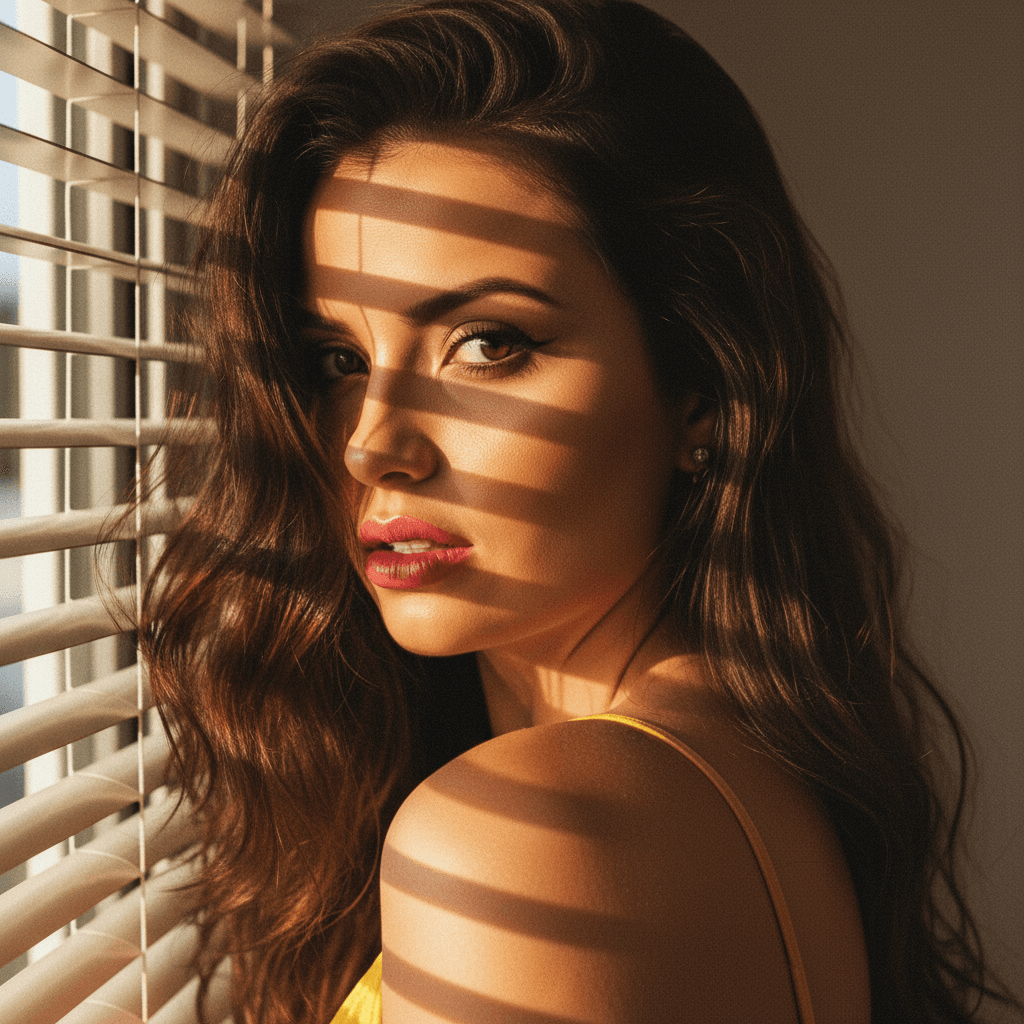
Natural lighting often works best, particularly during the golden hour (early morning or late afternoon). Ensure your face is well-lit and avoid harsh shadows.
3. Composition and Background
Keep the focus on you with a clean, uncluttered background. A solid color or slightly blurred environment highlights your features.
- Ensure your face takes up about 60% of the frame.
- Use the rule of thirds to balance your photo composition.
Industry Insights: The Role of AI and HeadshotUp
Revolutionizing Headshot Photography
With developments like GPT-4o, AI has profoundly influenced the way we capture and edit photos. HeadshotUp emerges as a game-changer, utilizing AI to convert an everyday selfie into a professional-grade headshot in minutes.
- Accessibility: No need for a professional photographer or expensive equipment.
- Customization: Tailor your headshot to suit industry-specific standards.
- Speed: Immediate results without compromising on quality.
Tips for Using AI-Enhanced Tools
1. Experiment with Styles
Upload multiple selfies in different attire and expressions. Use AI tools like those at HeadshotUp to see which style resonates best with your LinkedIn profile.
2. Ensure Consistency
Maintain a consistent style and color palette across all professional platforms. This creates a unified digital presence.
3. Regular Updates
A recent photo that mirrors your current appearance is crucial. Update your profile picture every 1-2 years or with any significant changes.
Conclusion: Stand Out with Minimal Effort
Incorporating AI-powered tools like HeadshotUp, complemented by the intelligent insights offered by GPT-4o, can transform your LinkedIn profile picture from ordinary to outstanding. Remember, in the professional world, a quality headshot is not just about aesthetics; it's a strategic investment in your personal brand.
Leverage these insights today to enhance your LinkedIn profile and open doors to new opportunities with a headshot that speaks confidence and professionalism.
Ready to upgrade your professional image?
Join thousands of professionals using HeadshotUp.
Get Started for Free