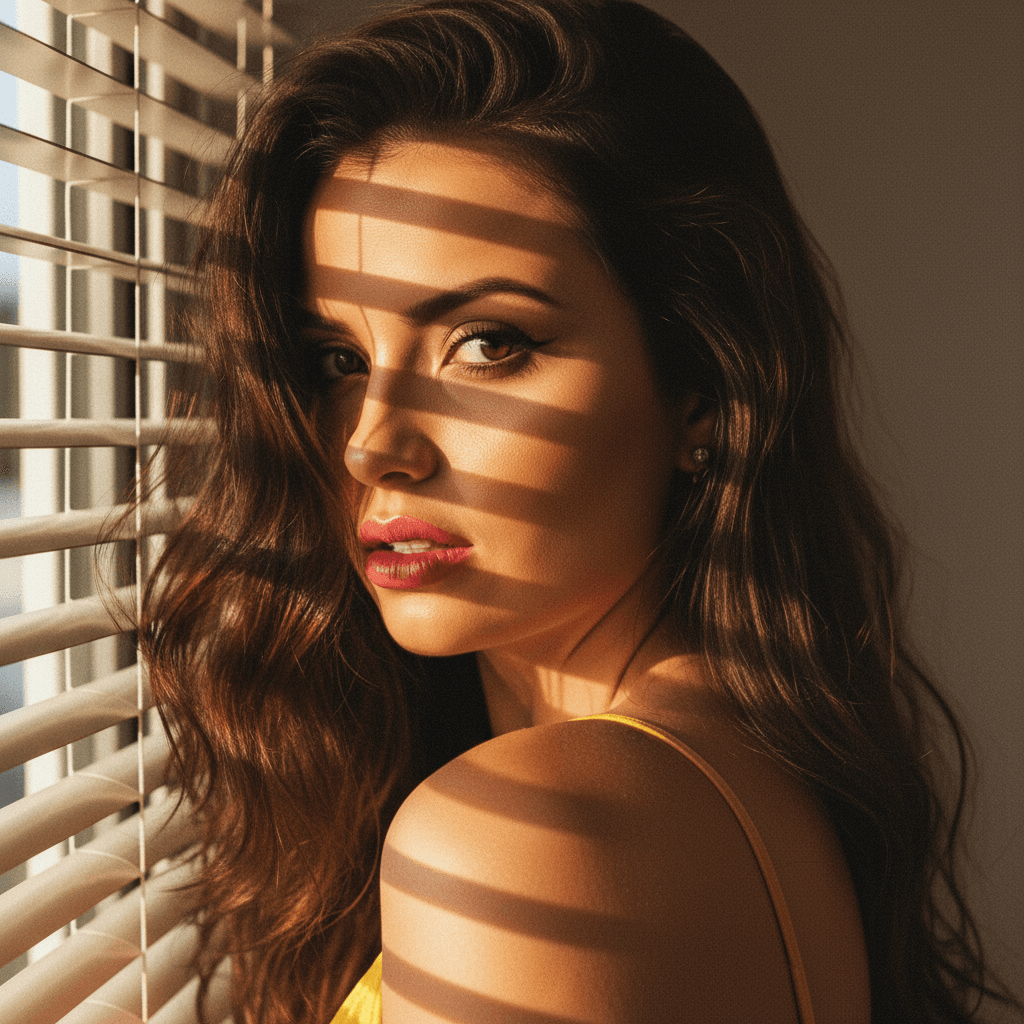

In the competitive job market, your LinkedIn profile picture is a critical component of your personal brand. It is often the first impression you make on recruiters or potential employers. In this article, we'll explore expert tips and tools, like HeadshotUp, to create a professional and appealing LinkedIn profile picture.
Why Your LinkedIn Profile Picture Matters
Selecting the right profile picture may seem trivial, but it holds significant weight in networking and job hunting. According to statistics, LinkedIn profiles with professional headshots receive more views and connection requests than those without.
Your photo is a representation of your professional identity. A polished image can convey trustworthiness, approachability, and competence. Thus, investing time and resources into getting it right is crucial.
Key Elements of a Professional LinkedIn Profile Picture
Before diving into specific ideas for your profile picture, let's outline the essential features:
- Clarity: Ensure your image is in high resolution. Blurry images can be an immediate turnoff.
- Background: Opt for a neutral, unobtrusive backdrop that keeps the focus on you.
- Attire: Dress as you would for an interview in your industry. Professional attire instills confidence.
- Expression: A genuine smile can make you appear more approachable and friendly.
Creative LinkedIn Profile Picture Ideas
1. The Indoor Professional Shot
A classic choice is a well-executed indoor photograph with professional lighting. Position yourself in natural light or use a softbox. These photos can be easily enhanced using HeadshotUp, which can transform your everyday selfie into a studio-quality image.
2. The Outdoor Approach
An outdoor photo can add a unique touch by incorporating natural elements. Whether it’s a cityscape or a serene park backdrop, ensure it's not too distracting. HeadshotUp can help blur backgrounds or adjust brightness for a polished finish.
3. The Candid Snapshot
A candid picture captures your personality naturally. Opt for moments where you are engaged and laughing in a professional setting. Use tools like HeadshotUp to maintain the professional tone by editing the background and enhancing clarity.
4. The Monochrome Effect
Black and white images exude classic sophistication. This can be particularly effective in making you stand out. With HeadshotUp, easily convert your image to monochrome while maintaining sharp detail.
How to Utilize HeadshotUp for Your Profile Picture
Creating a professional headshot can be expensive and time-consuming. Fortunately, HeadshotUp offers a cost-effective and efficient alternative by allowing you to convert a simple selfie into a professional-grade headshot.
Advantages of Using HeadshotUp
- User-Friendly Interface: No need for advanced editing skills.
- AI-Enhanced Features: Automatically adjusts lighting, contrast, and background.
- Affordable Pricing: Access high-quality results without breaking the bank.
Conclusion
Your LinkedIn profile picture is a gateway to your professional persona. By crafting an image that reflects both professionalism and authenticity, you can significantly boost your job search prospects. Remember, HeadshotUp is there to help refine your image, ensuring that you make the best first impression possible.
Take advantage of these insights and elevate your LinkedIn profile to attract the right opportunities and connections in your career path.
Ready to upgrade your professional image?
Join thousands of professionals using HeadshotUp.
Get Started for Free