
In today's digital job market, your LinkedIn profile picture could make or break your first impression with potential employers. It is often the first glimpse hiring managers get of you, which makes it a crucial component of your online professional presence.
Why Your LinkedIn Profile Picture Matters
Before diving into the best strategies for choosing or creating your LinkedIn profile picture, it’s important to understand why it matters. As the saying goes, a picture is worth a thousand words, and in the professional world, it needs to convey:
- Professionalism: Your image should reflect your industry standards.
- Personality: Employers appreciate seeing a touch of personality.
- Approachability: A warm, friendly demeanor can make you seem more approachable.
The Mechanics of a Perfect LinkedIn Photo
Creating the perfect LinkedIn photo doesn’t require a professional photoshoot. Here are some actionable ideas:
-
Dress to Impress: Wear attire that matches the industry you're in or aspire to join. For corporate roles, opt for business attire, while creative sectors might allow for more relaxed clothing.
-
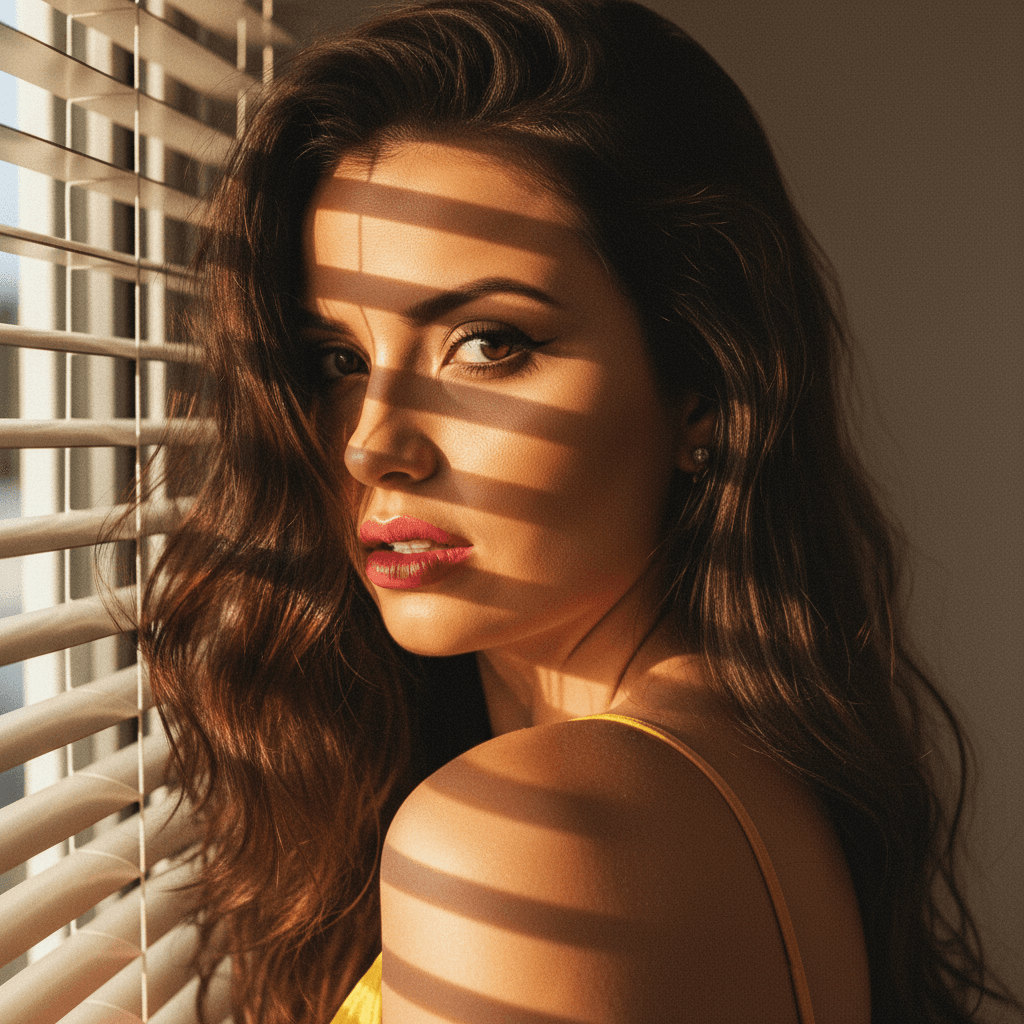
Focus on Lighting: Natural lighting is your best friend for profile pictures. Position yourself facing a window or be outdoors in soft indirect light to prevent shadows.
-
Choose the Right Background: Keep it simple yet effective. A clutter-free, neutral background ensures that the focus remains on you.
-
Crop and Composition: A head-and-shoulders shot is an optimum choice. Ensure your face takes up about 60% to 75% of the frame.
-
Use the Right Expression: Aim for a sincere smile or a confident grin. Avoid stern expressions unless that's appropriate for your industry.
Top Industry Insights for Profile Pictures
Different industries might have varying expectations when it comes to LinkedIn profile pictures. Here are some insights:
- Finance and Law: Stick to formal and classic looks. Suits and ties, conservative colors, and a clean presentation are your best bets.
- Creative and Media: You have more freedom here. Display creativity through unique backgrounds or attire that hints at your personality.
- Tech and Startups: Show approachability. A casual yet put-together appearance works well.
- Healthcare: Trustworthiness is crucial. A clean, professional headshot in professional attire promotes confidence.
Crafting a Headshot with HeadshotUp
If you're worried about not having the right photo, HeadshotUp offers an easy solution to transform your selfies into professional-grade headshots. With its advanced technology, it captures your best features and styles your image according to your industry needs, saving time and resources while ensuring top-notch quality.
Tips for Getting Started with HeadshotUp
- Upload Clear Selfies: The better the starting material, the better the end result.
- Customize Your Style: Tailor your photo with HeadshotUp's tools to reflect your professional needs.
- Utilize Industry Filters: This innovative feature recommends the best styles for different sectors.
Final Tips for a Winning LinkedIn Profile Picture
- Consistency Across Platforms: Use the same photo on LinkedIn and other professional networks for brand consistency.
- Update Regularly: Ensure your picture is updated every few years or after significant changes, like a new haircut.
- Ask for Feedback: Share your options with trusted colleagues or friends who can provide honest feedback.
A well-crafted LinkedIn profile picture is an investment in your personal brand. Whether you choose to capture your own images or utilize tools like HeadshotUp, the result can significantly impact first impressions. By applying these strategies and leveraging the best tools available, you’re one step closer to attracting the attention of potential employers.
Ready to upgrade your professional image?
Join thousands of professionals using HeadshotUp.
Get Started for Free