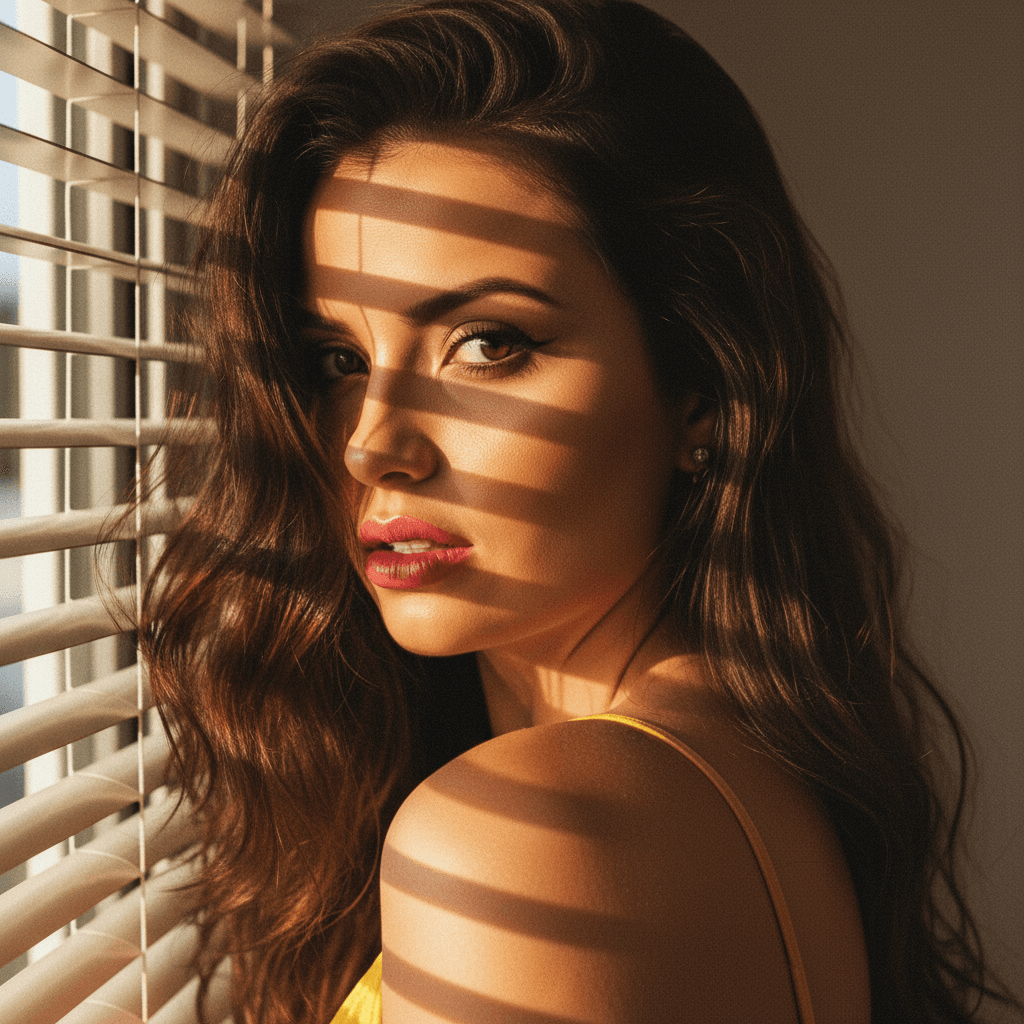

In today's competitive job market, your LinkedIn profile picture could be the key to making a memorable first impression. As more recruiters and employers turn to LinkedIn for finding potential hires, a professional and polished profile picture can set you apart from the crowd. Here are industry insights and actionable tips to ensure your LinkedIn profile picture leaves a lasting impact.
Why Your LinkedIn Profile Picture Matters
According to LinkedIn research, profiles with pictures are 11 times more likely to be viewed than those without. A well-crafted profile picture not only draws attention but also showcases your professionalism. It's a visual representation of your brand, and in many cases, it is your chance to make an outstanding first impression.
Characteristics of an Effective LinkedIn Profile Picture
When considering what makes a LinkedIn profile picture effective, keep the following characteristics in mind:
- Professionalism: Your picture should reflect the industry’s standards. Opt for attire that fits your job role.
- Clarity: Choose a high-resolution image to ensure clarity. A blurry or pixelated picture can appear unprofessional.
- Focus: Your face should take up about 60% of the frame. This ensures that your facial features and expressions are easily recognizable.
- Background: Use a neutral or subtle background to keep the focus on you.
- Expression: Aim for a friendly but professional expression. A genuine smile can convey approachability.
Actionable Tips for Choosing the Right Picture
Choose the Right Setting
Select a location that complements your profession. For example, if you work in a creative field, a slightly more artistic background might be suitable, whereas corporate professionals may opt for a simple, solid background.
Dress the Part
Your attire should reflect your industry. If you're in finance, a suit might be appropriate; however, tech industry professionals might opt for business casual.
Mind the Composition
A well-composed picture ensures the focus remains on you. Utilize the rule of thirds to position yourself slightly off-center for a more engaging composition.
Utilize Lighting to Highlight Features
Natural lighting can be your best friend. Ensure the light source is in front of you to avoid harsh shadows. Avoid strong backlighting, which can obscure your facial features.
Keep the Camera At Eye Level
Having the camera at eye level creates a more direct and engaging look. It avoids unwanted distortions that can occur when taking selfies from lower or higher angles.
The Role of Technology: HeadshotUp Makes It Easy
Creating a high-quality LinkedIn profile picture doesn't necessarily require a professional photoshoot. With advances in technology, services like HeadshotUp can transform a simple selfie into a professional headshot effortlessly. Simply upload your selfie, and let HeadshotUp do the magic, ensuring that your profile picture meets all professional standards.
What to Avoid
- Casual Clothing: Avoid clothes you wouldn’t wear to an interview.
- Distracting Backgrounds: Steer clear of noisy or cluttered backgrounds that draw attention away from you.
- Group Photos: This picture is your personal brand, so make sure it features only you.
- Over-editing: Keep edits subtle. Over-enhanced images can appear artificial.
Industry Insights: Stay Updated
Professionals in varying fields may have differing standards for profile pictures. Keep an eye on industry trends to ensure your profile aligns with current standards.
Final Thoughts
Your LinkedIn profile picture is your virtual handshake. It speaks volumes about who you are before a word is read in your profile. Following these tips can set you on the path to making a compelling first impression. Embrace technology solutions like HeadshotUp to achieve a polished look without hassle. Take the time to perfect your profile picture, and it could open the door to your next career opportunity.
Ready to upgrade your professional image?
Join thousands of professionals using HeadshotUp.
Get Started for Free