Capture Stunning LinkedIn Profiles with Natural Lighting
When it comes to making a positive first impression on LinkedIn, your profile picture is pivotal. A perfect blend of professionalism and personality, a strong headshot can open doors in your career. But how do you capture that winning image? The secret lies in harnessing the power of natural lighting—alongside HeadshotUp, a cutting-edge tool designed to transform selfies into professional headshots.
Why Natural Lighting?
Natural light is free and abundant, making it an accessible resource for everyone looking to enhance their photos. Here are some reasons why it is ideal for LinkedIn profile pictures:
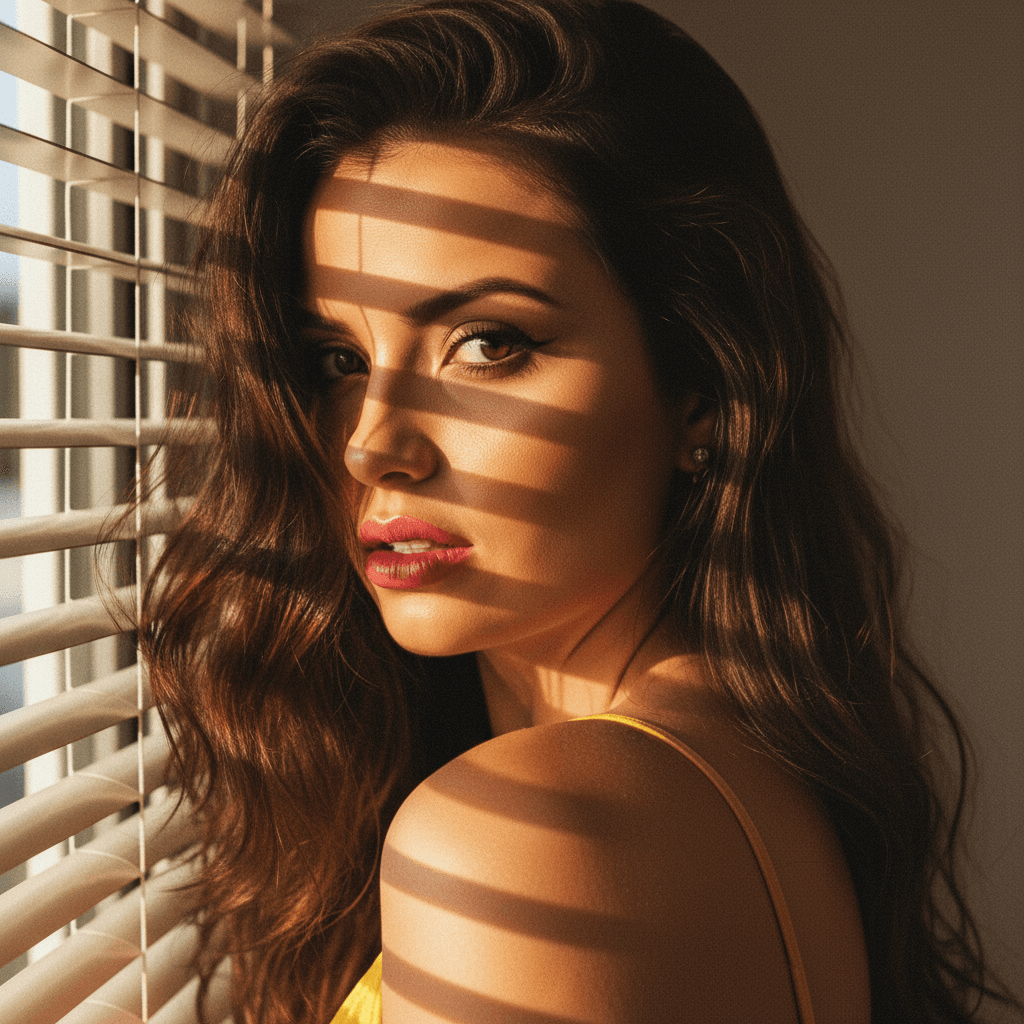
- Soft and Flattering: Natural light provides a softer, more even shadow than artificial sources, reducing harsh lines and emphasizing your best features.
- True Colors: It captures the true color of your skin, making your photo more authentic and relatable.
- Accessibility: Whether outdoors or near a window, natural lighting is readily available and easy to use.
Actionable Tips for Perfect Natural Light Shots
1. Choose the Right Time
The "Golden Hour," shortly after sunrise or before sunset, is when natural light is most flattering. It casts a warm, gentle glow that softens your features.
2. Position Matters
While facing a window, position yourself slightly to the side to avoid a flat or overly lit look. The side angle adds depth to your image, making it dynamic and engaging.
3. Watch the Background
The background in your photo should be clean and uncluttered. While natural settings like a park or garden can add a touch of life, they should not distract from your face.
4. Consider the Weather
Overcast days are perfect for shooting outside—clouds naturally diffuse sunlight, creating a softer effect. On sunny days, seek shade to prevent harsh shadows and squinting.
Enhancing Natural Light Shots with HeadshotUp
Even with the best natural lighting, refining the final photo can make a significant difference. Enter HeadshotUp—a SaaS that turns selfies into professional-grade headshots effortlessly. Here's how it can help:
- Advanced Editing: Automatically adjusts lighting and shadows for perfect balance.
- Background Enhancement: Tailors backgrounds to maintain focus on you, enhancing professional appeal.
- Skin Retouching: Smoothens imperfections without overdoing, maintaining a natural appearance.
Final Takeaways
Creating a professional LinkedIn profile picture doesn't require an expensive camera or lighting setup. With natural light and HeadshotUp, you can easily capture a standout image at little to no cost. Here's a quick checklist to remember:
- Choose Golden Hour for optimal lighting conditions.
- Use windows and overcast skies to your advantage.
- Keep backgrounds simple and uncluttered.
- Leverage HeadshotUp for polishing the final image.
Equipped with these strategies, your next LinkedIn profile picture will not only be aesthetically pleasing but also a true professional asset.
For more tips and to try HeadshotUp, visit our website today. Elevate your headshots and watch new career opportunities unfold.
Ready to upgrade your professional image?
Join thousands of professionals using HeadshotUp.
Get Started for Free