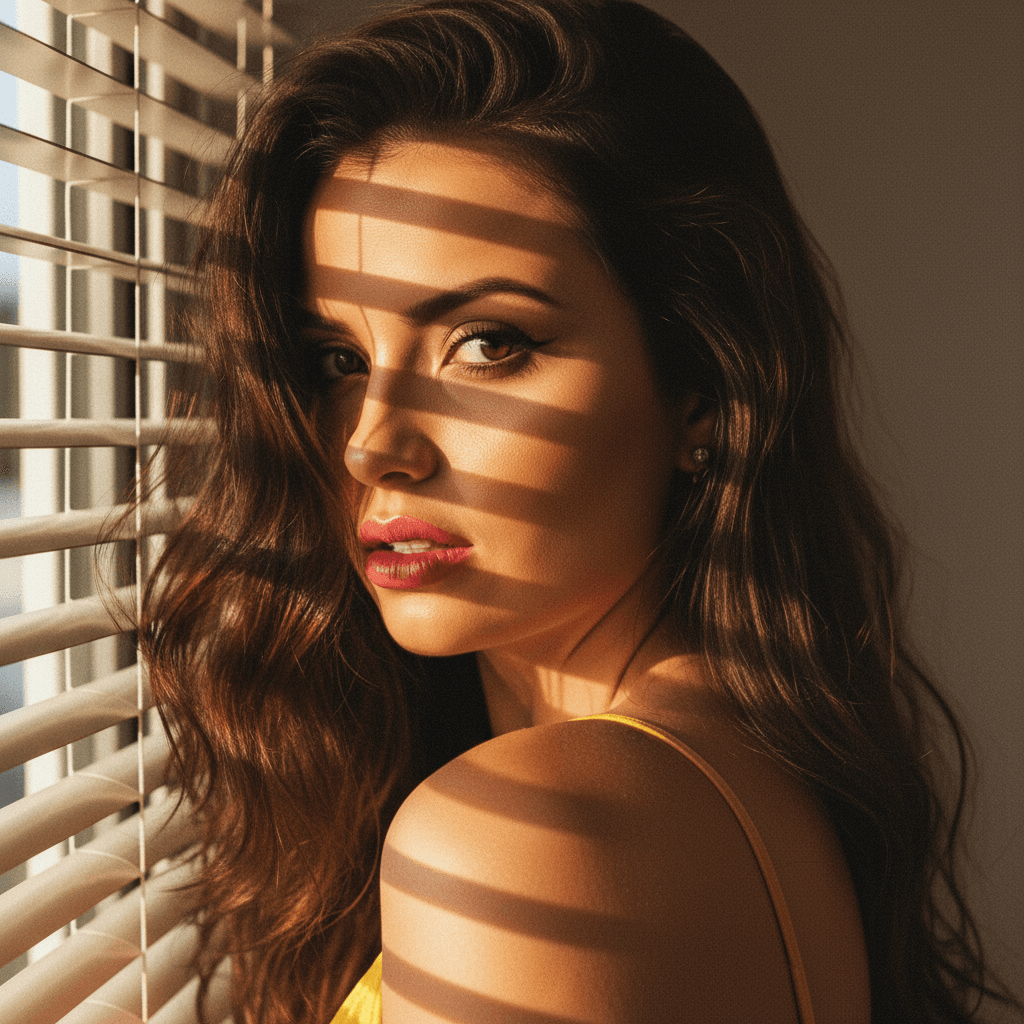

Why Your LinkedIn Profile Picture Matters
In the digital age, first impressions often come from a small photo on a social media platform. For tech founders, LinkedIn is a vital networking tool, and your profile picture acts as your virtual handshake. A well-crafted image can establish credibility, professionalism, and approachability, making it a crucial asset in your personal brand toolbox.
Key Elements of a Professional LinkedIn Photo
Creating an impactful LinkedIn profile picture doesn't require a full-scale photoshoot. Here are fundamental aspects to consider:
1. Authenticity and Approachability
- Smile Genuinely: A simple smile can make you look more approachable and human.
- Natural Poses: Avoid stiff poses. Relax your shoulders and angle your body slightly toward the camera.
- Dress Code: Align your clothing with your professional style or company culture. Even in tech, where casual wear is common, your clothing should still look neat and intentional.
2. Quality Counts
- Good Lighting: Natural light is your best friend. Position yourself in front of a window or use soft artificial light to avoid harsh shadows.
- Resolution Matters: Keep your image clear and of high resolution; professional attire won't matter if the photo is blurry.
3. Background Choices
- Minimalist Backgrounds: A plain or lightly blurred backdrop ensures focus remains on you.
- Brand Colors: Subtly incorporate your company’s colors in the background for a cohesive brand presence.
Innovative Ideas for Tech Founders
1. Incorporate Tech Elements
Integrate subtle tech elements in the background or through props that reflect your expertise. For example, a tasteful gadget or piece of hardware can highlight your industry.
2. Use HeadshotUp for Seamless Transformation
In today’s fast-paced digital landscape, tools like HeadshotUp offer tech founders an edge by transforming simple selfies into polished headshots. This SaaS leverages AI technology to enhance image quality and ensure you’re presented in the best light.
Common Mistakes to Avoid
1. Overly Casual Photos
Opting for selfies taken during informal situations can tarnish your professional image. Keep vacation snaps on other social platforms.
2. Distracting Elements
Busy backgrounds or flashy accessories can detract from your professional persona. Aim for simplicity and authenticity.
Step-By-Step Guide to a Perfect Profile Picture
-
Prepare Your Appearance
- Choose your outfit wisely, aligning it with the professional image you wish to project.
- Groom meticulously; a clean look always conveys professionalism.
-
Choose the Right Tools
- Camera: A high-quality smartphone or digital camera.
- Lighting: Utilize natural lighting or invest in an affordable ring light.
- Editing Software: Use tools like HeadshotUp to enhance and polish your photo.
-
Capture Multiple Shots
- Experiment with different angles and expressions until you find the most flattering.
- Seek feedback on your selected options from trusted colleagues or mentors.
-
Final Selection and Upload
- Choose the photo that best represents your professional brand.
- Upload it to your LinkedIn profile with the certainty that it encapsulates your competence and charisma.
Conclusion
Your LinkedIn profile picture is more than just a photo; it is an integral part of your professional narrative. By following these guidelines and leveraging tools like HeadshotUp, tech founders can confidently showcase their unique blend of innovation and professionalism, all starting with a simple upload.
Ready to upgrade your professional image?
Join thousands of professionals using HeadshotUp.
Get Started for Free