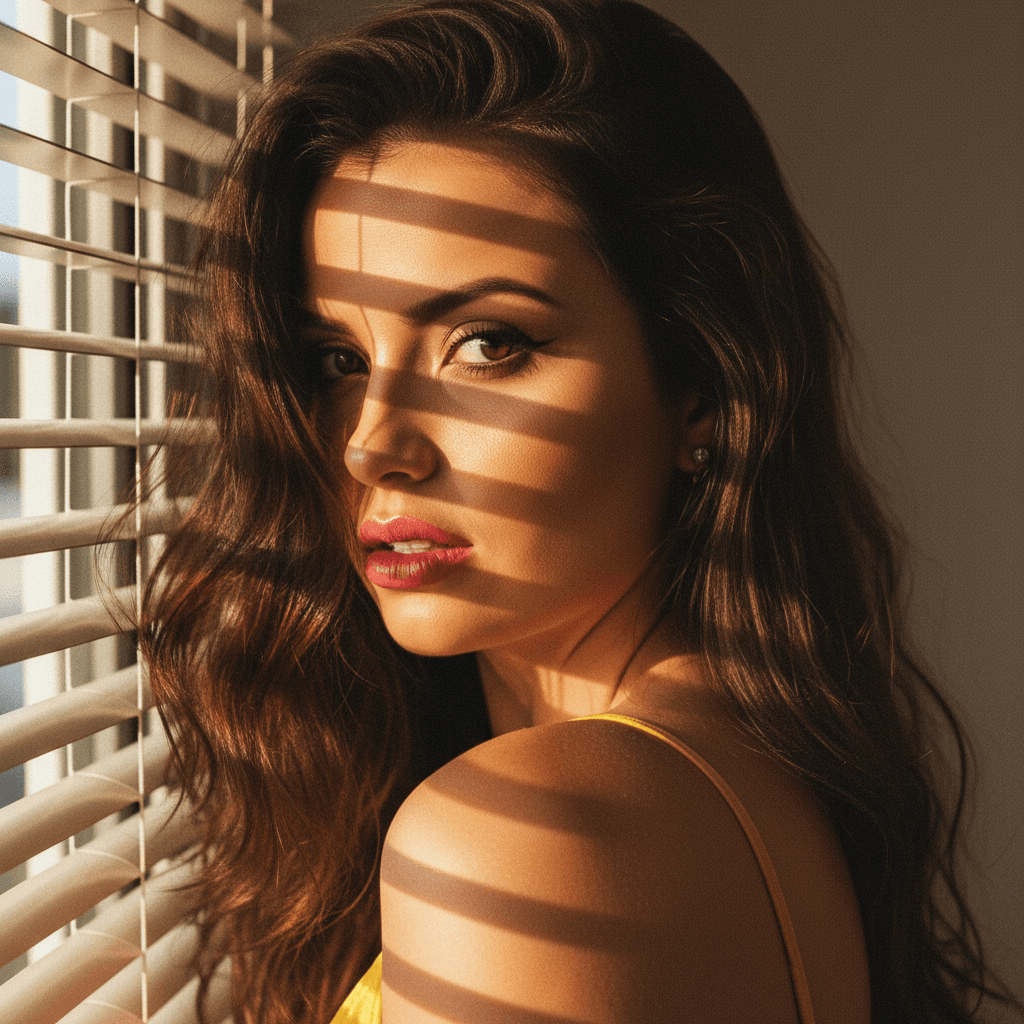

In today's digital-first world, your LinkedIn profile picture serves as a crucial first impression. A strong image can enhance your professional brand, increase your visibility, and invite more engagement. Here, we'll explore how to select and optimize your LinkedIn photo for maximum impact, using modern tools like HeadshotUp that make this process easier than ever.
Why Your LinkedIn Profile Picture Matters
A LinkedIn profile picture isn't just a formality; it's a strategic asset. Here's why it matters:
Building Trust
- Professionalism: A well-chosen photo conveys professionalism, encouraging connections to take you seriously.
- Authenticity: A genuine smile and approachable demeanor in your photo can help establish trust.
Enhancing Visibility
- Algorithm Favorability: LinkedIn algorithms favor profiles with complete information, including a photo.
- Recognition: Consistent imagery across platforms reinforces your personal brand, making you more recognizable.
Selecting the Right Photo
Choosing the right photo is more than just picking a recent selfie. Consider these factors:
Appropriate Attire
- Dress Code: Wear clothes that align with your industry standards.
- Colors: Opt for colors that complement your skin tone and avoid overly distracting patterns.
Background and Lighting
- Simple Background: A neutral background keeps the focus on you.
- Natural Lighting: Use soft, natural light to enhance your features without harsh shadows.
Expression and Pose
- Friendly Expression: A genuine, approachable smile can convey warmth.
- Confident Posture: Stand or sit with your shoulders back to project confidence.
Using Technology to Perfect Your Image
Advancements in technology can help you achieve a professional look even from the comfort of your home.
AI-Powered Tools
- HeadshotUp: This platform transforms a simple selfie into a professional headshot in just 60 seconds. Its AI-powered technology ensures your photo meets professional standards effortlessly.
Editing and Retouching
- Subtle Enhancements: Use tools to adjust brightness and remove minor blemishes, ensuring a polished look.
- Privacy Assurance: HeadshotUp guarantees privacy by deleting photos after use, offering peace of mind.
Uploading and Finalizing
Once you have the perfect photo, it's time to upload it to LinkedIn.
Optimal Dimensions
- Size and Ratio: Ensure your image is 400x400 pixels for the best display.
- Format: Use JPEG or PNG for clarity and quality.
Consistency Across Platforms
- Unified Branding: Use the same photo across professional platforms to maintain a cohesive personal brand.
Conclusion
Your LinkedIn profile picture is a powerful tool in your professional arsenal. A well-crafted image can open doors, making you more approachable and recognizable. With tools like HeadshotUp, creating a standout profile picture has never been easier. Try HeadshotUp free at headshotup.com — results in 60 seconds and take the first step towards enhancing your professional presence today.
Ready to upgrade your professional image?
Join thousands of professionals using HeadshotUp.
Get Started for Free