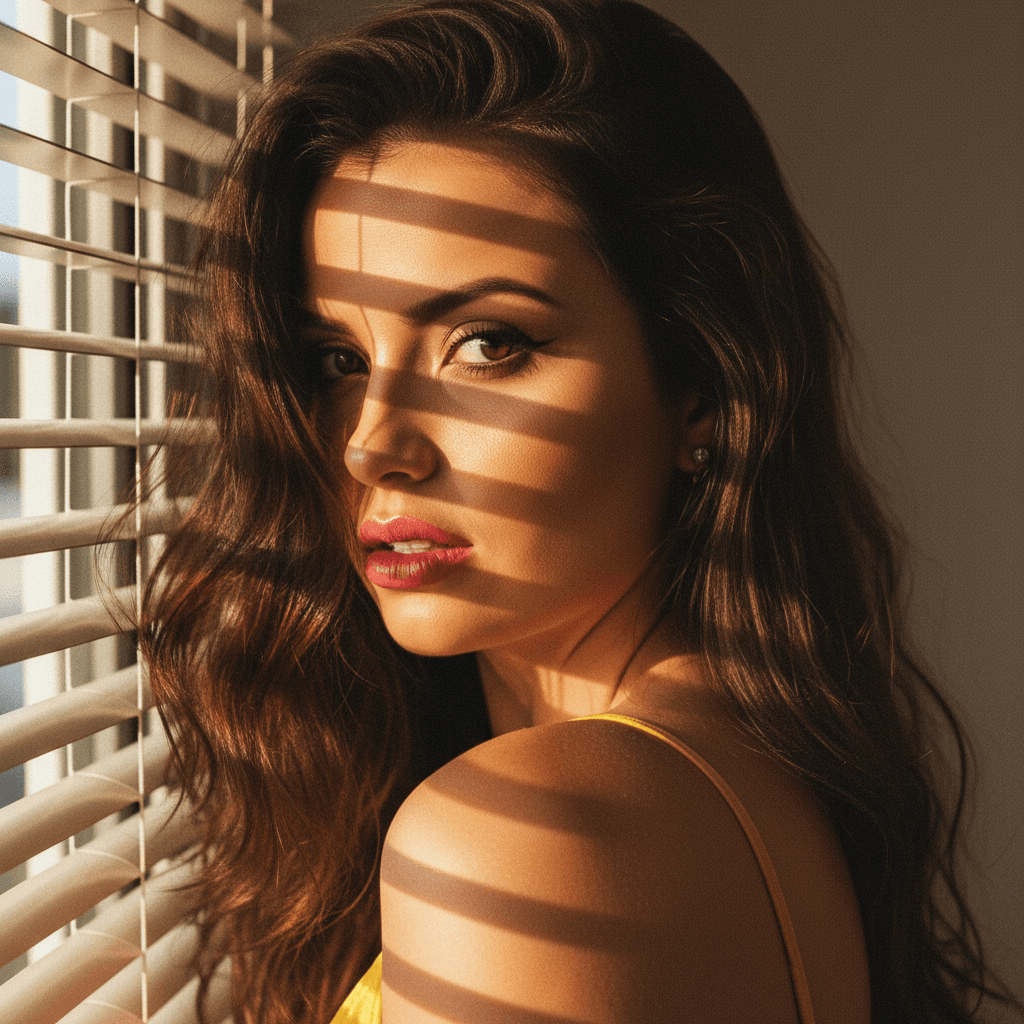

In today's digital-first world, LinkedIn is more than just a networking platform—it's your professional online presence. Your LinkedIn profile picture is often the first impression you make on potential employers, clients, or partners. Having a standout profile picture is crucial for establishing credibility and making an impact. Here’s how to set up your LinkedIn profile picture for maximum impact.
Why Your LinkedIn Profile Picture Matters
A professional profile picture speaks volumes about your personal brand. It's not just about looking good; it's about conveying professionalism, confidence, and approachability. A well-crafted image can significantly increase your profile views and connection requests.
First Impressions Count
- Instant Recognition: People are more likely to remember faces than names.
- Professionalism: A polished photo communicates that you take your career seriously.
- Engagement: Profiles with pictures receive 21 times more profile views.
Brand Consistency
- Visual Branding: Align your photo with your personal brand values.
- Coherence: Use similar photos across all professional platforms for consistency.
Choosing the Right Composition
The composition of your profile picture is key to making a strong impact. It's not just about having a good picture; it's about having the right picture.
Framing and Background
- Head and Shoulders: Aim for a classic head and shoulders shot.
- Solid Background: Choose a clean, uncluttered background that doesn't distract.
Expression and Attire
- Genuine Smile: A sincere smile can convey warmth and friendliness.
- Dress Professionally: Wear attire that matches your industry standards.
Lighting and Quality
Proper lighting and high-quality images can dramatically improve the impact of your profile picture.
Natural Lighting
- Soft Light: Use natural light whenever possible; avoid harsh shadows.
- Golden Hour: The hour after sunrise or before sunset offers flattering light.
Image Resolution
- High-Resolution: Use a high-resolution image to ensure clarity and detail.
- Focus: Ensure your face is in focus, and the image is clear, not pixelated.
Utilizing AI Tools for a Professional Finish
Incorporating AI tools can add a professional finish to your LinkedIn profile picture. HeadshotUp, an AI-powered platform, offers incredible solutions for crafting a perfect headshot from a simple selfie.
Benefits of AI Tools
- Time-Efficient: Generate professional results in just 60 seconds.
- Cost-Effective: Avoid costly professional photoshoots.
- Privacy-First: With HeadshotUp, your photos are deleted after use.
Using HeadshotUp
- Upload Your Selfie: Start with a simple selfie.
- Customise Your Look: Select from various styles and backgrounds.
- Download and Use: Receive a polished, professional image ready for LinkedIn.
Conclusion
A compelling LinkedIn profile picture is essential for making a strong professional impression. By focusing on the right composition, lighting, and leveraging AI technology like HeadshotUp, you can create a profile picture that truly stands out. Ready to transform your LinkedIn presence? Try HeadshotUp free at headshotup.com — results in 60 seconds.
Ready to upgrade your professional image?
Join thousands of professionals using HeadshotUp.
Get Started for Free