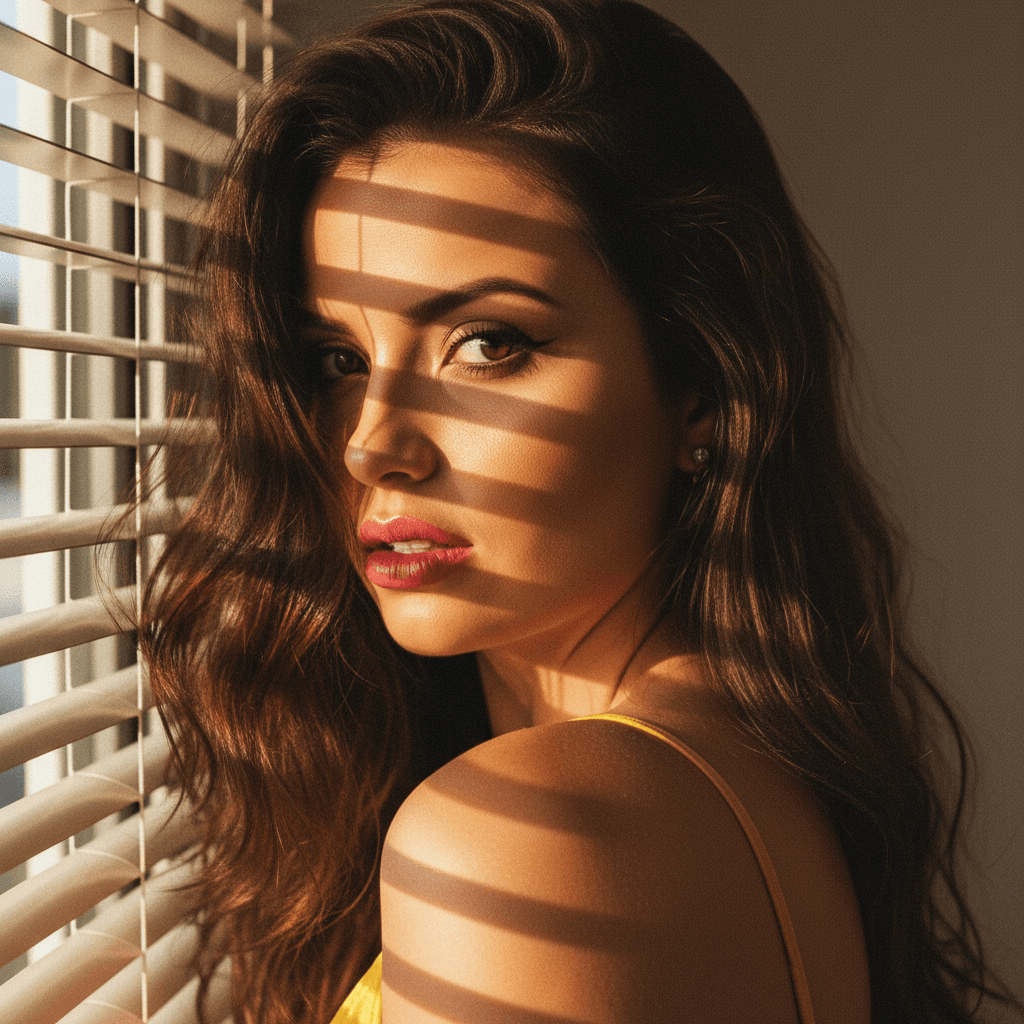

In today's digital-first world, your LinkedIn profile picture is often the first impression you make on potential employers, clients, and colleagues. It's crucial to ensure your profile picture conveys professionalism and personality. With the right strategies, you can make a powerful impact that enhances your professional image and connections.
Why Your LinkedIn Profile Picture Matters
A captivating LinkedIn profile picture is more than just a photo—it's a strategic asset. Here’s why it’s essential:
Establishes Trust
- A high-quality, professional image helps establish trust and credibility.
- It assures viewers of your seriousness and attention to detail.
Enhances Brand Identity
- Your picture is an extension of your personal brand.
- A consistent image across platforms reinforces your professional persona.
Increases Engagement
- Profiles with a picture receive 21 times more profile views and 36 times more messages.
- A relatable image encourages more connections and networking opportunities.
Choosing the Right Image
Selecting the right image is a critical step in setting up your LinkedIn profile picture.
Professional vs. Casual
- Always opt for a professional photo; avoid casual selfies.
- Ensure that your attire reflects your industry standards.
Facial Expression
- A genuine smile can make you appear approachable and friendly.
- Avoid overly serious expressions; balance confidence with warmth.
Background and Lighting
- A neutral or simple background keeps the focus on you.
- Use natural light to enhance features without harsh shadows.
Optimizing Image Quality
High-quality images convey professionalism and care. Here’s how to ensure your photo is top-notch:
Resolution and Size
- LinkedIn recommends a photo size of 400 x 400 pixels.
- Ensure the resolution is high enough to avoid pixelation.
Consistency Across Platforms
- Use the same professional photo on other platforms for brand consistency.
- A consistent image helps recognition across different networks.
Using AI Tools
- Utilize platforms like HeadshotUp to quickly generate professional-grade headshots from a selfie.
- HeadshotUp offers AI-driven enhancements that ensure your photo is polished and impactful.
Advanced Tips for Standout Profile Pictures
Going beyond basics can set your LinkedIn profile apart from the rest.
Incorporate Your Brand Colors
- Subtle hints of your brand colors in your attire or background can enhance brand recall.
- Ensure colors complement rather than distract from your face.
Regular Updates
- Keep your profile picture updated every 1-2 years to reflect your current appearance.
- An updated photo signals an active and engaged professional presence.
Leverage AI for Unique Styles
- Experiment with augmented reality or AI-generated styles for a modern touch.
- Platforms like HeadshotUp offer unique style options that still maintain a professional look.
Conclusion
Your LinkedIn profile picture is a powerful tool for making a memorable first impression. By selecting a professional image, optimizing its quality, and leveraging AI enhancements, you can significantly boost your professional branding and networking potential. Platforms like HeadshotUp make it easy and quick to create stunning headshots, ensuring your profile stands out in the professional arena. Try HeadshotUp free at headshotup.com — results in 60 seconds.
Ready to upgrade your professional image?
Join thousands of professionals using HeadshotUp.
Get Started for Free