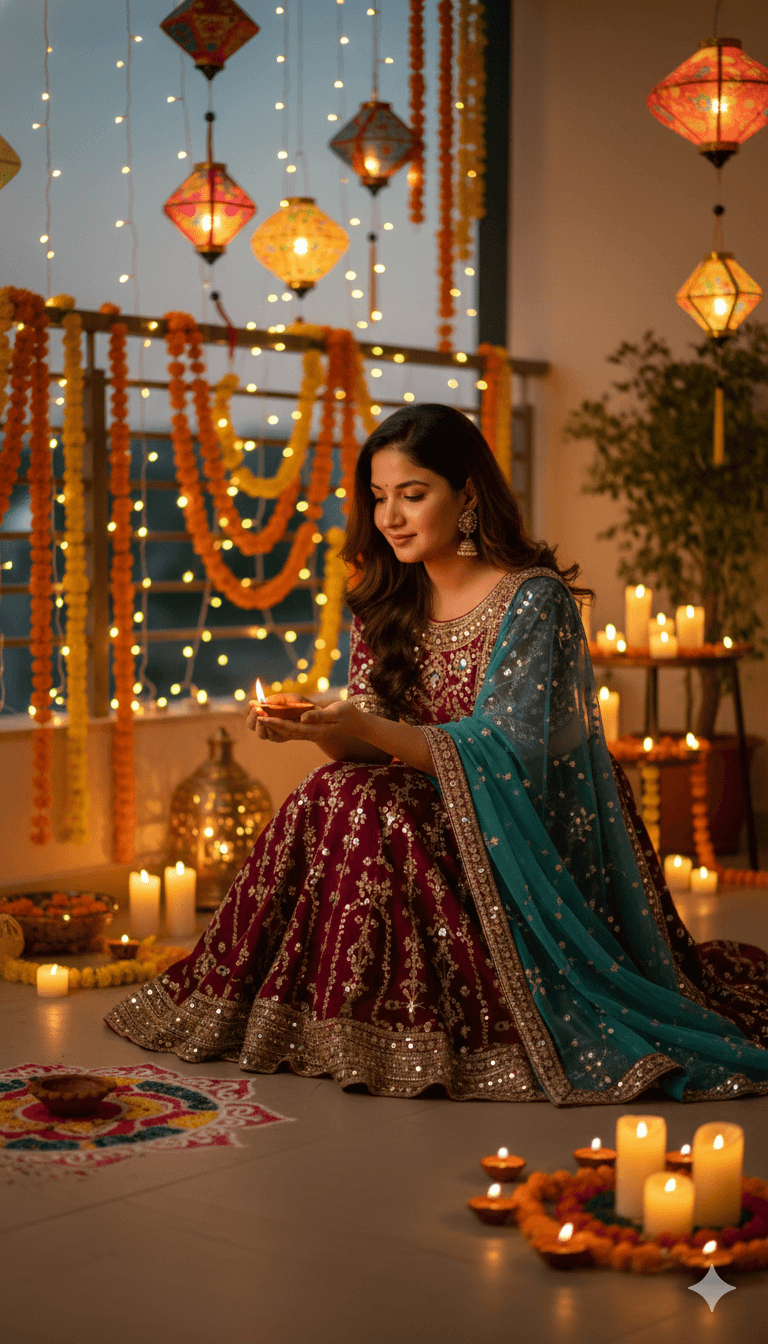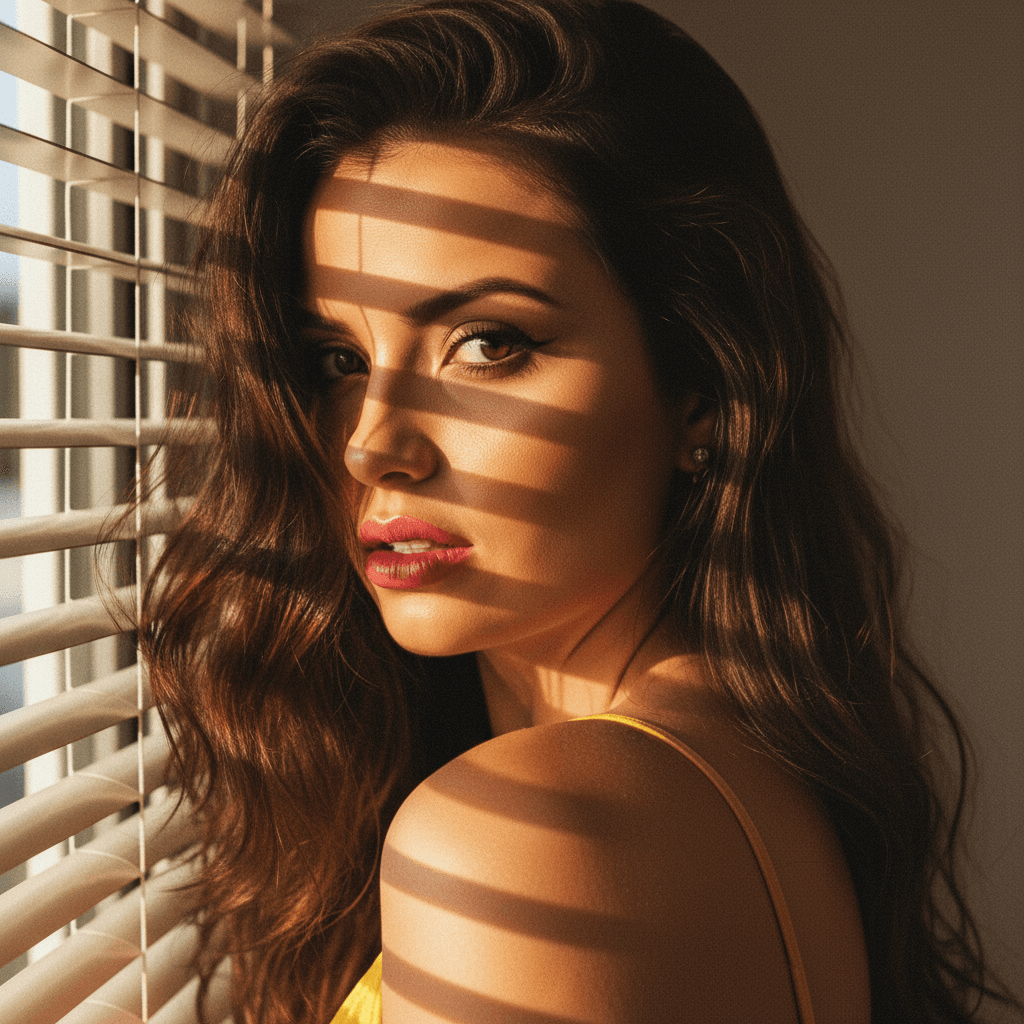

When it comes to LinkedIn, your profile picture is your first impression. Natural lighting can play a crucial role in making sure that impression is a strong one. Proper use of natural light can transform a simple selfie into a professional-grade headshot. Here, we delve into actionable tips and insights to elevate your LinkedIn profile picture using natural light.
The Importance of Natural Lighting
Lighting is the cornerstone of photography, and natural light is often the most flattering. Unlike artificial lighting, natural light provides a soft and even glow, enhancing your features authentically. Here’s why it matters for your LinkedIn profile:
- Authenticity: Natural light captures your skin tone and features in a way that’s true to life.
- Accurate Representation: It minimizes shadows and highlights wrinkles or blemishes less than harsh artificial lights.
- Consistency: Daylight offers a consistent source, allowing for reliable results in your photos.
Tips for Capturing the Perfect Shot With Natural Light
1. Choose the Right Time
The quality of natural light largely depends on the time of day. The best times are early morning or late afternoon, known as the 'golden hours'. During these periods, the light is softer and more diffused, preventing glare and harsh shadows.
2. Find the Ideal Spot
Look for a location where light comes in from the side rather than directly overhead or in front. A place near a large window can provide the perfect amount of diffused sunlight.
3. Avoid Direct Sunlight
Standing in direct sunlight can create unflattering shadows on your face. Instead, aim for an area with soft, indirect light.
4. Use Reflective Surfaces
Reflectors can help bounce natural light onto your face, eliminating shadows. A simple DIY reflector can be made with white poster board or foil-wrapped cardboard.
Positioning Matters
Your positioning can make or break the photo:
- Angles: Highlight your jawline by turning your head slightly to the side. This adds depth to the photo.
- Eyeline: Keep the camera at eye level to maintain a genuine and approachable feel.
- Background: Choose a simple, tidy backdrop to ensure focus remains on you.
The Role of Technology
Even with excellent natural light, technology can enhance photos. AI tools like HeadshotUp make it easy to transform a simple selfie into a polished headshot. By using advanced algorithms, HeadshotUp ensures your images are consistent with professional standards. It's an excellent solution for those who seek a hassle-free way to perfect their LinkedIn image.
Editing: Less is More
Minimal editing is key when dealing with professional photography for LinkedIn:
- Brightness & Contrast: Slight adjustments can enhance image clarity without looking over-processed.
- Natural Filters: Opt for subtle filters if necessary. The goal is to enhance, not exaggerate.
- Retouching: Use touch-ups sparingly to keep your image realistic yet refined.
Final Thoughts
Mastering natural light can significantly enhance your LinkedIn profile picture, boosting professionalism and approachability. By combining natural lighting techniques with tools like HeadshotUp, you can ensure that your photo stands out in LinkedIn's sea of profiles. Investing time to capture the right image speaks volumes about your attention to detail and personal branding.
Give your profile the advantage of an engaging, naturally lit photo, and see the difference it makes.
Ready to upgrade your professional image?
Join thousands of professionals using HeadshotUp.
Get Started for Free