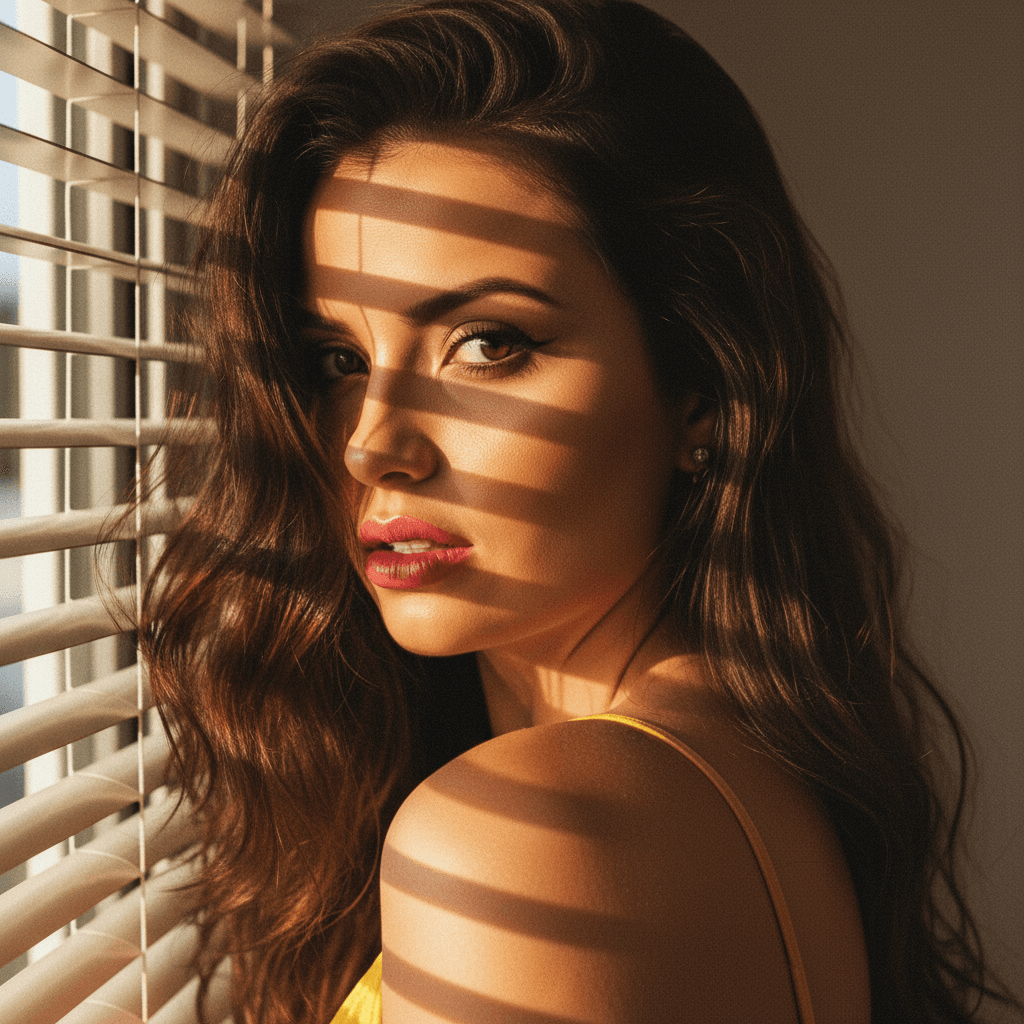

When it comes to crafting a LinkedIn profile that commands attention, your profile picture is paramount. In today's digital age, first impressions often transpire online, making it crucial to portray professionalism and approachability. Here, AI steps in as a game-changer. Thanks to advancements like HeadshotUp, you can now leverage artificial intelligence to generate top-quality headshots that align with your professional brand. Here are ten actionable tips on using AI and industry insights to perfect your LinkedIn profile picture.
Understanding the Power of the Perfect Profile Picture
The visual representation of yourself on LinkedIn can significantly influence recruiters and potential clients. According to research, a LinkedIn profile is 14 times more likely to be viewed if it includes a photo. A compelling picture earns trust and conveys openness, authenticity, and confidence.
Leveraging AI for a Professional Edge
-
HeadshotUp: Using AI tools like HeadshotUp transforms ordinary selfies into professional headshots, saving both time and cost. It smartly enhances features, manages lighting imperfections, and provides a clear, high-quality image suitable for LinkedIn.
-
Consistency is Key: Maintain a consistent image that reflects your current professional persona. AI tools can adjust background settings to highlight your best features while maintaining a professional, uniform look.
Tailor Your Look to Industry Standards
Research how professionals in your target industry present themselves. This includes attire, facial expressions, and background choices. AI-generated images can easily adapt to these standards by allowing background modifications and subtle facial enhancements.
Actionable Tips for the Perfect LinkedIn Headshot
1. Focus on the Face
Ensure your face occupies 60% of the frame. This provides clarity and fosters recognition.
2. Use a Neutral Background
A simple background prevents distractions and emphasizes your facial features. HeadshotUp can seamlessly alter your background to meet this need.
3. Dress Professionally
Wear attire that matches your industry's norms. This projects confidence and credibility.
4. Keep Your Expression Warm and Approachable
A gentle smile works wonders. AI tools help perfect this by enhancing subtle facial cues that exude friendliness.
5. Optimal Lighting
Good lighting is key. Avoid shadows and ensure your face is well-lit. AI can adjust brightness levels and color saturation to achieve a professional finish.
6. Pose Naturally
Your posture should convey openness and professionalism. Use AI to compare different poses and select one that complements your image.
AI as an Ongoing Resource
Investing in an AI solution like HeadshotUp offers continuous value beyond the LinkedIn profile picture. It provides the flexibility to refresh your image with ease, keeping up with professional trends and personal changes.
Avoid Common Pitfalls
1. Overediting
AI tools are powerful but use them in moderation. Overenhancement can lead to an unnatural appearance that diminishes trust.
2. Outdated Pictures
Regular updates reflect current professionalism. AI technology simplifies this process, allowing quick transitions as your image or role changes.
Conclusion
Your LinkedIn profile picture is more than just a photo; it embodies your professional identity. By using AI-driven tools like HeadshotUp, you can effortlessly craft an image that captivates and communicates your professional essence effectively. Remember, your profile picture is a vital aspect of your personal brand – ensure it's as polished as your resume. Dive into the power of AI today and see how HeadshotUp can elevate your online presence.
Ready to upgrade your professional image?
Join thousands of professionals using HeadshotUp.
Get Started for Free