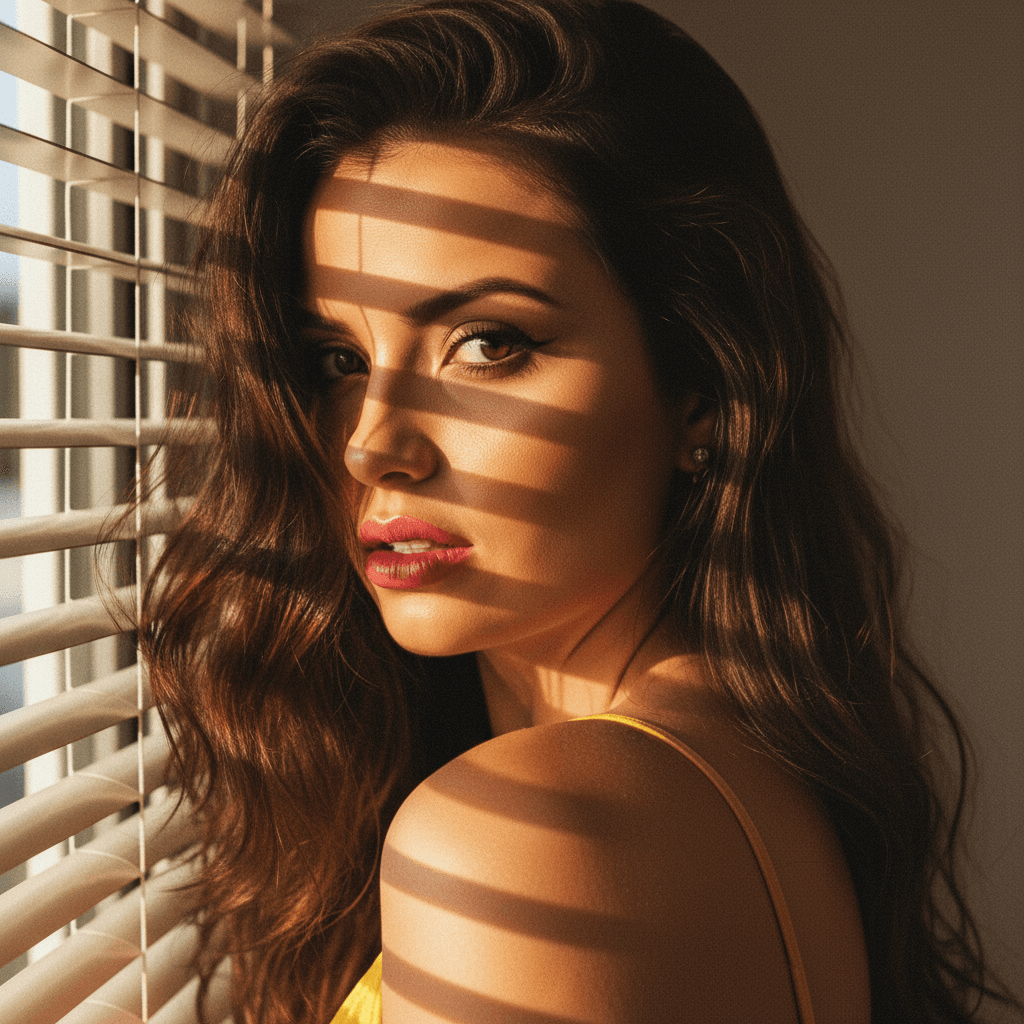

In today's competitive job market, making a strong first impression is more crucial than ever, particularly on LinkedIn. Amidst a sea of profiles, how do you differentiate yourself with just a glance? The answer lies in a professional headshot. An impactful photograph can set the tone for your entire professional brand and is a gateway to more profile views, connection requests, and job opportunities.
Why LinkedIn Headshots Matter
Job seekers often underestimate the power of a well-crafted LinkedIn photo. Your headshot isn't just a picture; it's an essential element of your personal brand. A study from Photofeeler found that profiles with a professional photo receive up to 21 times more profile views and 36 times more messages. Furthermore, recruiters admitting they often judge profiles based on images cannot be ignored.
Characteristics of a Professional Headshot
A professional headshot is more than just looking smart. Here’s what it typically includes:
- High Resolution: Ensure your photo is sharp and clear.
- Proper Lighting: Use natural or studio lighting to eliminate shadows and highlight facial features.
- Appropriate Background: Choose neutral backgrounds that don't distract from your face.
- Dress Professionally: Align your attire with industry standards to convey competence.
- Genuine Expression: A smile can convey approachability, but it’s crucial for it to appear authentic.
The Challenges for Job Seekers
Despite understanding its importance, arranging a professional photo shoot can seem daunting. Costs can run high, and scheduling with a photographer adds another layer of complexity to an already busy job search. Moreover, the nuanced technical aspects can be overwhelming.
Enter HeadshotUp: Your Solution to Professional Headshots
This is where HeadshotUp comes into play, revolutionizing how job seekers acquire their LinkedIn headshots. By turning any ordinary selfie into a professional-grade photograph, HeadshotUp delivers top-tier results without the typical hassle or expense.
How HeadshotUp Works
With cutting-edge AI algorithms, HeadshotUp analyzes your selfies and enhances key aspects, so you achieve:
- Clarity and Sharpness: Effortlessly create high-resolution images.
- Perfect Lighting: Automatically adjust lighting to highlight your best features.
- Background Customization: Seamlessly replace distracting backgrounds with professional alternatives.
Actionable Tips for Using HeadshotUp
Here’s how to make the most out of HeadshotUp for your LinkedIn profile:
- Choose the Right Selfie: Start with a photo that is well-lit, with a plain wall behind you. Your face should be visible and unobstructed.
- Upload & Adjust: Use HeadshotUp’s intuitive interface to enhance and perfect your image. Experiment with different backgrounds until you find one that aligns with your professional field.
- Get Feedback: Before finalizing, seek opinions from colleagues or mentors on the headshot's effectiveness.
- Update Your Profile: Once satisfied, upload it to LinkedIn and observe the increased engagement with your profile.
Testimonial
Alyson, a marketing analyst from New York, shares, "Switching to a HeadshotUp-enhanced photo increased my profile views by 30% in just a week. It provided the professional look I needed without the professional cost!"
Conclusion
In the digital age, your LinkedIn headshot is your handshake, your greeting, your first impression. With HeadshotUp, you can ensure that this impression is one of professionalism and confidence. As you embark on your job search, consider how much weight your appearance holds in an online setting and invest in a headshot that reflects your true potential.
Discover how simple it is to transform your professional presence today with HeadshotUp. Make that first impression count!
Ready to upgrade your professional image?
Join thousands of professionals using HeadshotUp.
Get Started for Free