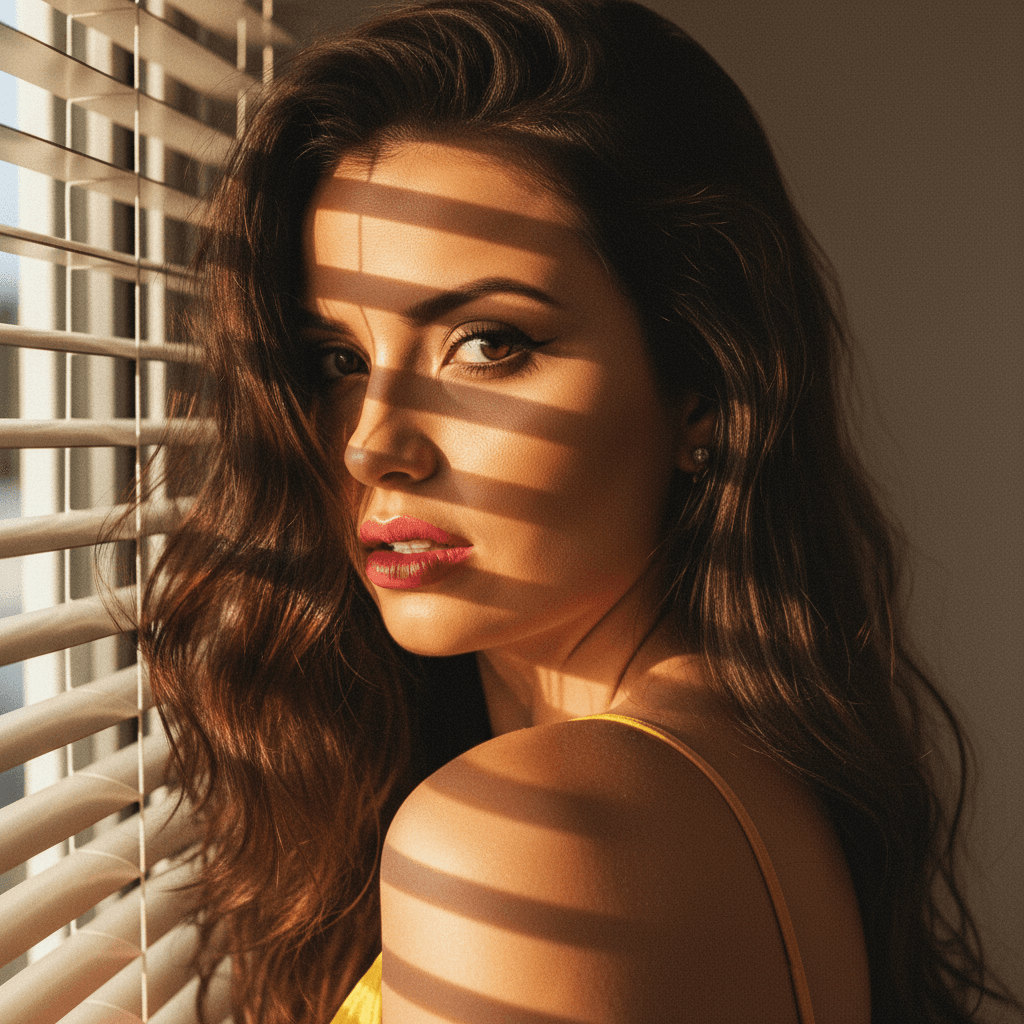

Unveiling the Magic of AI in Headshot Transformation
In today's digital age, a professional headshot is more than just a photograph—it's an essential component of your personal brand. Whether you're sprucing up your LinkedIn profile, applying for jobs, or simply updating your corporate bio, having a polished image is crucial. This is where AI-powered tools, like GPT-4o, come into play, turning casual selfies into high-quality professional headshots with just a few clicks.
Why Are Professional Headshots Important?
Professional headshots are the first impression you make on potential employers, clients, or colleagues. They convey your professionalism, attention to detail, and personal style. Here are some compelling reasons why you should consider having a polished headshot:
- First Impressions Count: You never get a second chance to make a first impression.
- Consistency Across Platforms: A unified image across social media channels reinforces your personal brand.
- Competitive Edge: In a sea of selfies, a professional headshot stands out.
Transforming Selfies into Headshots with GPT-4o
AI advancements have made it easier than ever to produce professional-grade headshots from simple selfies. GPT-4o, a cutting-edge AI tool, offers an efficient way to transform your everyday selfies into images that exude professionalism. Here's a step-by-step guide to using this technology to your advantage:
Step 1: Capture the Perfect Selfie
- Lighting Is Key: Natural lighting works best. Position yourself near a window or under soft, diffuse light.
- Background Matters: Choose a neutral background to keep the focus on your face.
- Dress Appropriately: Wear an outfit that aligns with your professional persona.
Step 2: Upload to HeadshotUp
HeadshotUp, a leader in AI-driven photography solutions, integrates seamlessly with GPT-4o. Start by uploading your selfie to the platform:
- Easy Interface: HeadshotUp's user-friendly interface makes uploading simple and quick.
- Security Ensured: Your data and images are secure with advanced encryption protocols.
Step 3: Customize Your Transformation
Once uploaded, you have several options to refine your headshot:
- Adjust Features: Tweak brightness, contrast, and shadow settings.
- Background Removal: Use AI to clean or change background scenarios effortlessly.
- Finishing Touches: Add final tweaks to skin tone and eye sharpness to create the perfect professional image.
The Advantages of Using AI for Headshots
Utilizing AI like GPT-4o to upgrade your selfies offers manifold advantages:
- Cost-Effective: Avoid costly studio sessions while achieving similar results.
- Time-Saving: Quick transformations mean you can update your headshot as needed.
- Flexibility: Customize each photo to fit various styles or platform specifications.
Embrace the Future of Photography with HeadshotUp
In conclusion, leveraging AI tools such as GPT-4o via HeadshotUp isn't just about convenience—it's about keeping pace with the evolving digital landscape. This technology provides a resourceful avenue for professionals seeking to maintain an impressive online presence without the hassle and expense.
HeadshotUp stands out by offering the exactness of professional photography with the ease and accessibility you need. Don't let your branding lag behind; embrace AI-driven headshot solutions today and position yourself for success in tomorrow's digital marketplace.
Ready to upgrade your professional image?
Join thousands of professionals using HeadshotUp.
Get Started for Free