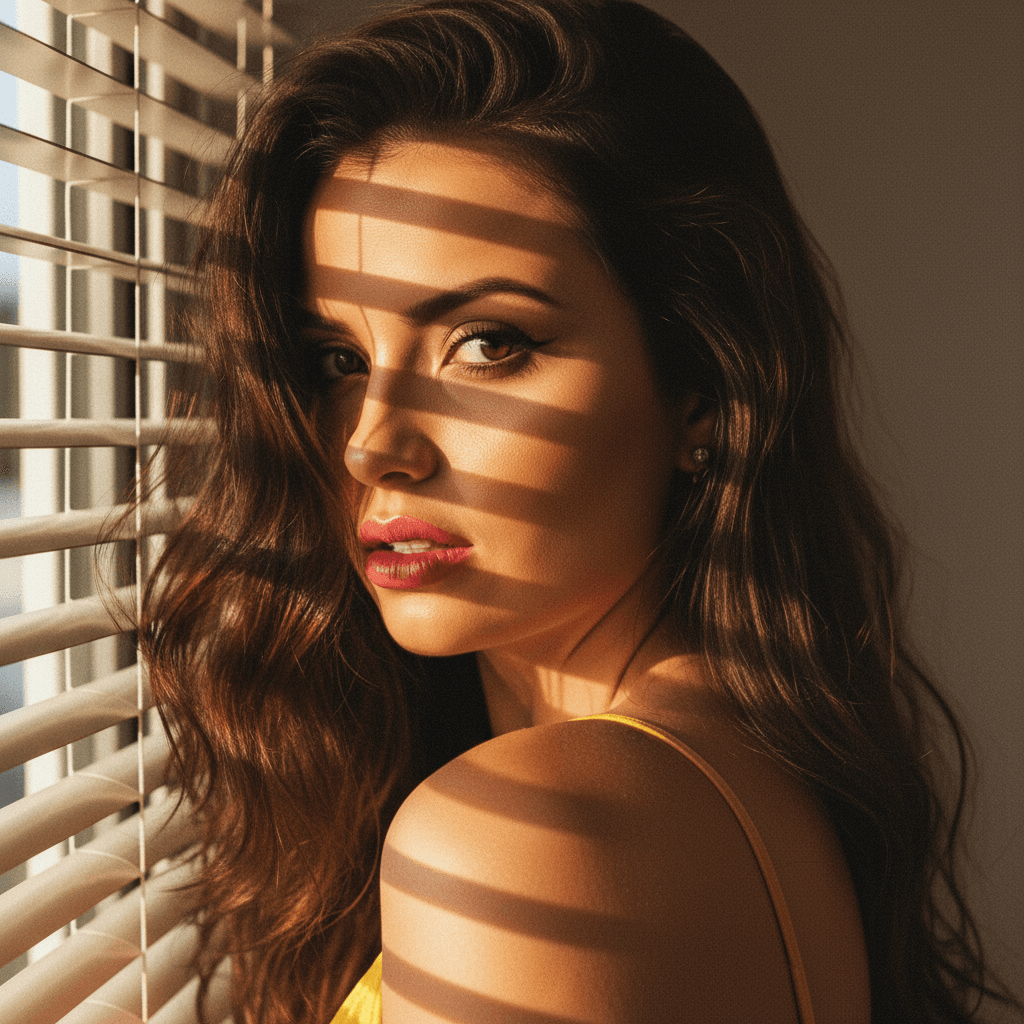

If you're looking to enhance your online presence with a powerful professional image, transforming selfies into headshots has never been easier, especially with advancements like GPT-4o. Thanks to innovative platforms like HeadshotUp, you can easily convert your everyday photos into polished, professional-quality headshots.
Why Professional Headshots Matter
In today's digital-first world, a compelling online persona can make a significant impact. A striking headshot:
- Conveys professionalism
- Enhances personal branding
- Boosts career opportunities
Professional headshots are crucial for social media profiles like LinkedIn, personal websites, and digital CVs. They are not just about looking good but communicating your brand's message.
Understanding GPT-4o in Image Processing
GPT-4o, renowned for its advanced natural language processing capabilities, now ventures into image refinement. This technology offers sophisticated algorithms that understand and enhance selfies, making them headshot-ready. Not only does it improve lighting, and balance colors, but it also adjusts proportions to best suit professional headshot standards.
Benefits of GPT-4o for Headshot Creation
- Precision Editing: Clear and precise adjustments to enhance facial features.
- Time Efficiency: Rapid transformation from selfies to headshots.
- Consistency: Uniform quality across multiple images.
HeadshotUp utilizes GPT-4o’s technology, offering a seamless experience for those looking to convey their professional best.
Step-by-Step Guide to Using HeadshotUp
Transforming a selfie into a professional headshot has never been simpler. Follow these steps to perfect your digital persona:
1. Choose the Right Selfie
- Good Lighting: Ensure your photo is well-lit, preferably with natural lighting.
- Neutral Background: Helps in reducing distractions.
- Expression and Attire: Maintain a friendly, approachable expression and opt for professional attire suitable for your industry.
2. Upload on HeadshotUp
Once you've selected the ideal selfie, simply upload it to HeadshotUp. The intuitive interface makes the process straightforward.
3. Customize Your Headshot
- Adjust Filters: Test various enhancements to suit your preferences.
- Fine-tune Details: Use options to tweak exposure, contrast, and saturation.
4. Review and Download
After adjustments, review your transformation. Ensure the headshot reflects the professional image you wish to project before downloading.
Pro Tips for the Perfect Headshot
- Maintain Eye Contact: Eyes should be clearly visible and engaging.
- Smile Naturally: A genuine smile makes you appear approachable.
- Focus on Posture: Good posture exudes confidence.
- Consistency Across Platforms: Use similar headshots across professional networks for brand consistency.
Industry Insights: The Future of Headshot Technology
With ongoing developments in AI and machine learning, the future of image processing holds exciting potential. HeadshotUp and other SaaS platforms integrating GPT-4o are paving the way for more accessible, highly customizable professional imaging services. These tools empower individuals to portray their best in corporate and creative avenues alike.
The blend of AI technology with human-centered design principles guarantees that obtaining impeccable headshots becomes a quick, stress-free task aligning with dynamic professional needs.
In essence, leveraging tools like HeadshotUp powered by GPT-4o can significantly enhance your professional image, bolstering your personal brand and market opportunities.
Ready to upgrade your professional image?
Join thousands of professionals using HeadshotUp.
Get Started for Free