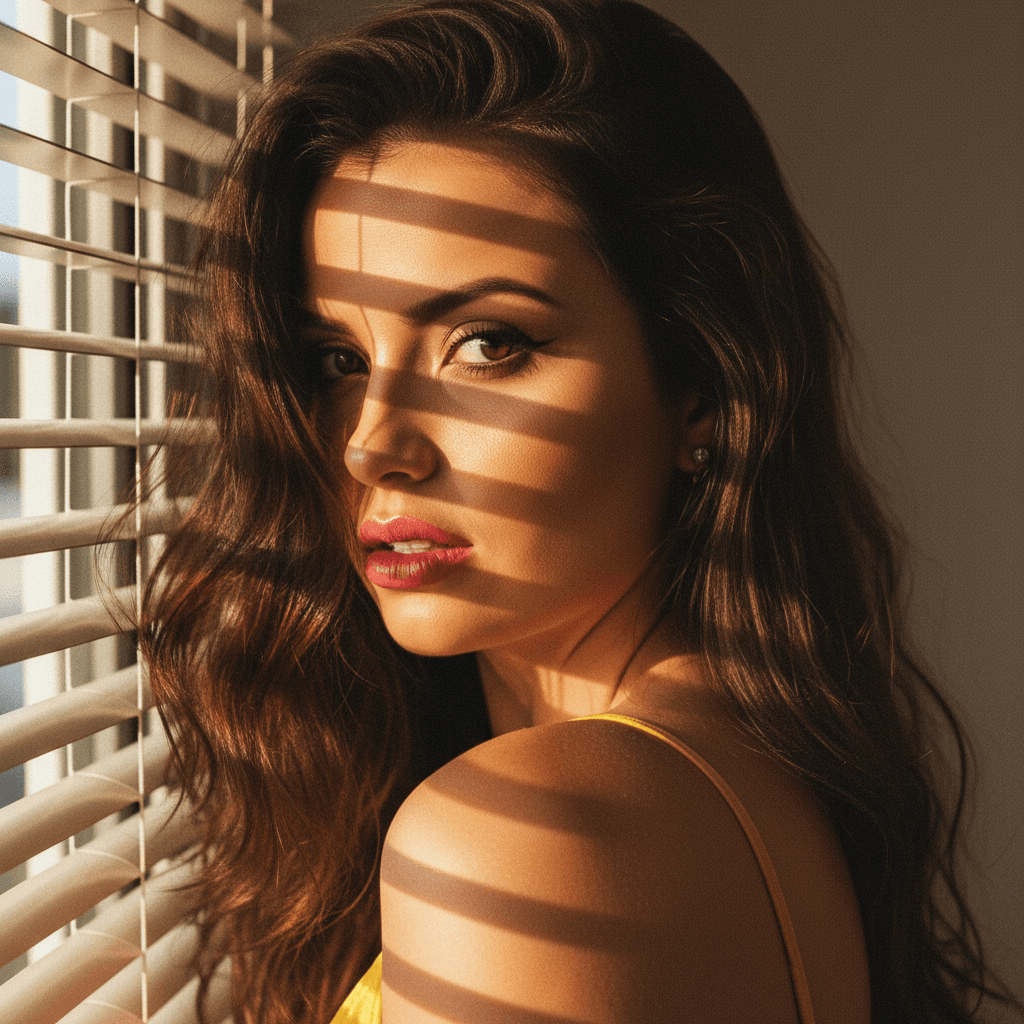

In today's digital landscape, first impressions often happen online. A compelling LinkedIn profile picture can be the key to unlocking professional opportunities. With platforms like HeadshotUp, crafting the perfect image is now easier than ever.
Why Your LinkedIn Profile Picture Matters
Your LinkedIn profile picture is often the first point of contact with potential employers, clients, or collaborators. It communicates professionalism, confidence, and approachability.
Building Trust and Credibility
- Consistency: Ensure your picture aligns with your personal brand and is consistent across platforms.
- Authenticity: Choose a photo that genuinely reflects who you are in a professional setting.
The Role of HeadshotUp
HeadshotUp offers AI-powered solutions to generate professional headshots, ensuring your image is polished and ready in just 60 seconds.
Choosing the Right Image
Selecting the right image can set the tone for your entire profile.
What to Wear
- Dress Professionally: Choose attire that reflects your industry standards.
- Simple Background: Opt for a neutral or simple background to keep the focus on you.
Lighting and Composition
- Natural Light: Use natural light to create a warm and inviting look.
- Centered Composition: Ensure your face is centered and occupies about 60% of the frame.
Using HeadshotUp for Perfect Results
Creating a professional headshot doesn't have to be a complex task. HeadshotUp simplifies the process with its advanced AI technology.
Step-by-Step Process
- Upload Your Selfie: Start by uploading a clear image of yourself.
- AI Enhancement: Let HeadshotUp enhance the photo, adjusting lighting and contrast.
- Download the Result: Receive a polished, professional headshot ideal for LinkedIn.
Key Benefits
- Quick Turnaround: Get results in 60 seconds, no subscription needed.
- Privacy Assurance: Your photos are deleted after use, ensuring privacy.
Best Practices for Uploading
Once you have the perfect image, ensure it's properly uploaded to LinkedIn.
Optimal Dimensions
- Image Size: Use a 400x400 pixel image for best quality.
- File Format: JPEG or PNG formats work best.
Regular Updates
- Stay Current: Update your profile picture every 1-2 years to reflect your current appearance.
Conclusion
A professional LinkedIn profile picture is crucial for making impactful first impressions in the digital age. By choosing the right image and leveraging tools like HeadshotUp, you can ensure your profile stands out. Try HeadshotUp free at headshotup.com — results in 60 seconds.
Ready to upgrade your professional image?
Join thousands of professionals using HeadshotUp.
Get Started for Free