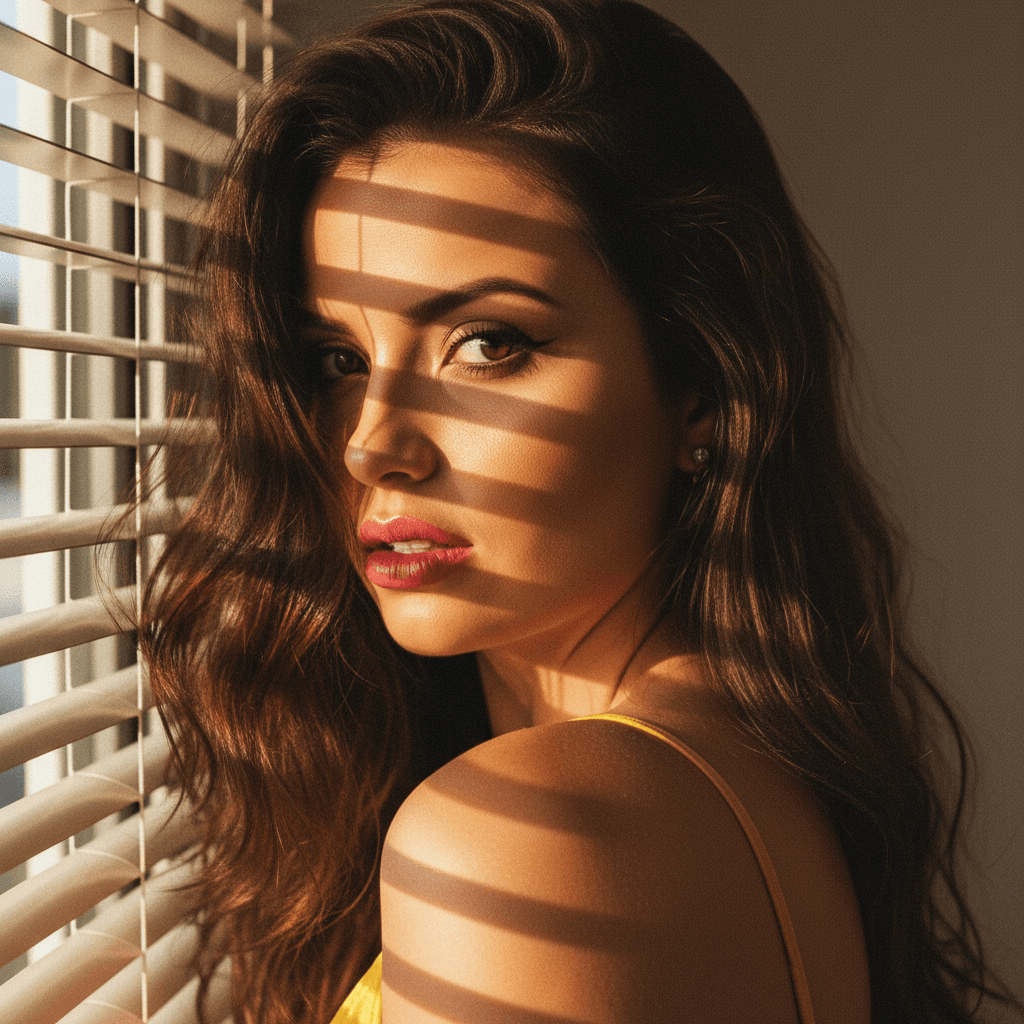

In the digital age, a professional LinkedIn profile picture is more than just a formality; it's your first impression, your digital handshake, and a critical element in personal branding. As LinkedIn becomes increasingly important in professional networking, an impactful profile picture can distinguish you from competitors and establish trust instantly.
The Importance of a Professional Image
A professionally crafted LinkedIn profile picture is pivotal. It is often the first aspect of your profile that others notice, and that initial impression can influence hiring decisions, partnership opportunities, and networking effectiveness.
Why Your LinkedIn Picture Matters
- First Impressions: A quality photo establishes trust and credibility instantly.
- Professionalism: A well-taken headshot demonstrates that you take your career seriously.
- Recognition: A consistent image aids in branding and helps others remember you.
Characteristics of a Great Profile Picture
- Clarity: Ensure your photo is high resolution and well-lit.
- Simplicity: Avoid busy backgrounds and distracting accessories.
- Appropriate Attire: Dress as you would for an interview in your industry.
Choosing the Right Background
The background of your LinkedIn profile picture plays a crucial role in making you stand out while keeping the focus on you.
Tips for Background Selection
- Neutral Colors: Opt for plain backgrounds in neutral or soft colors to ensure the focus remains on you.
- Professional Environment: Consider a subtle representation of your work environment.
- HeadshotUp Advantage: Use HeadshotUp to remove distracting backgrounds and replace them with professional-looking alternatives.
Expressing Your Personality
While professionalism is key, your LinkedIn picture should also convey a hint of your personality. This adds a layer of authenticity and can make you more relatable.
Balancing Professionalism and Personality
- Genuine Smile: A sincere smile can make you appear approachable.
- Eye Contact: Ensure your eyes are clearly visible and making direct contact with the camera.
- Subtle Accessories: Use accessories sparingly to add a touch of personal style.
Leveraging Technology for Optimal Results
Incorporating technology can streamline the process of getting the perfect LinkedIn profile picture.
Using AI Tools
- AI Editing Tools: Utilize AI tools like HeadshotUp to enhance your image quality with professional editing techniques.
- Fast Turnaround: With HeadshotUp, generate professional headshots in just 60 seconds, without the need for a photoshoot.
DIY Photo Tips
- Natural Lighting: Position yourself in natural light for the best results.
- Camera Quality: Use the highest quality camera available to you.
Finalizing and Uploading Your Picture
Once you've selected and edited your image, uploading it correctly to LinkedIn ensures that it presents as intended.
Upload Checklist
- Correct Dimensions: Ensure your photo meets the recommended LinkedIn dimensions (400x400 pixels).
- File Type: Use a JPG or PNG file for best compatibility.
- Profile Preview: Check how your picture appears on both desktop and mobile views.
In conclusion, a compelling LinkedIn profile picture is a blend of professionalism, personality, and quality. By leveraging tools like HeadshotUp, you can efficiently produce a standout image that enhances your professional presence. Try HeadshotUp free at headshotup.com — results in 60 seconds.
Ready to upgrade your professional image?
Join thousands of professionals using HeadshotUp.
Get Started for Free