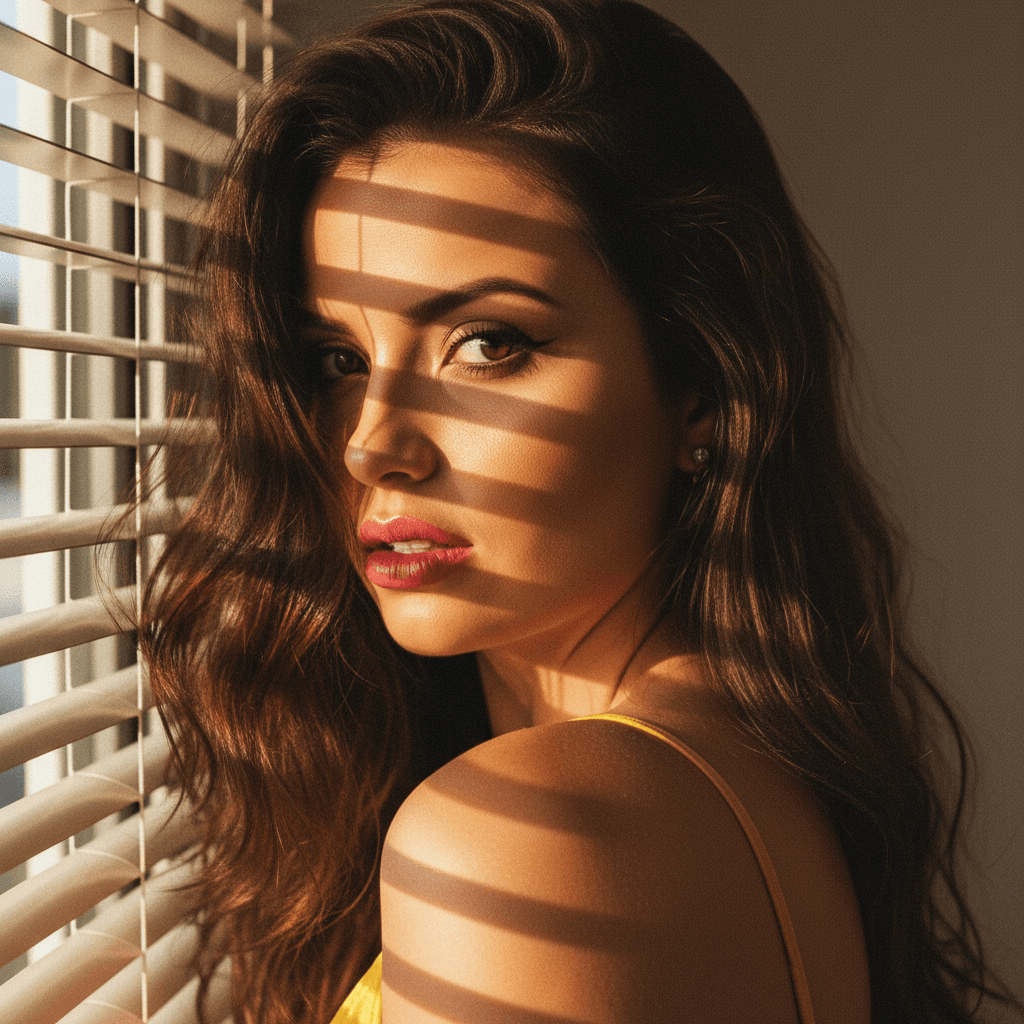

Creating a powerful LinkedIn profile picture is a critical step in establishing a professional online presence. In today's digital age, your LinkedIn photo is often the first impression recruiters and potential clients will have of you. This guide will help you set up a LinkedIn profile picture that maximizes impact, ensuring you stand out in your industry.
Why Your LinkedIn Profile Picture Matters
A compelling LinkedIn profile picture is more than just a visual introduction. It’s a key component of your personal brand.
First Impressions
- Immediate Recognition: A professional photo helps people recognize and remember you.
- Professionalism: A well-taken photo conveys professionalism and competence.
- Trust Building: A genuine and approachable picture helps build trust with potential connections.
Brand Consistency
- Reflect Your Personal Brand: Ensure your photo aligns with your professional image and industry standards.
- Use Same Across Platforms: Consistency across social media platforms enhances recognition.
Characteristics of a Perfect LinkedIn Profile Picture
Crafting the ideal LinkedIn profile picture involves understanding what works best in a professional setting.
Appropriate Attire
- Dress for Your Industry: Wear clothing that matches the professional standards of your industry.
- Keep It Simple: Avoid overly bright colors and busy patterns.
Background and Lighting
- Neutral Background: Use a simple background to keep the focus on you.
- Proper Lighting: Natural lighting is best, but ensure it’s soft and even.
Expression and Framing
- Friendly Expression: A warm smile can make you appear approachable.
- Centered Framing: Your face should be centered and cover about 60% of the frame.
The Role of Technology in Profile Picture Creation
Modern technology can greatly enhance the quality of your LinkedIn profile picture.
AI-Powered Tools
- HeadshotUp: This platform uses AI to quickly generate professional headshots from a single selfie, ensuring quality and consistency.
- Time-Saving: Get results in 60 seconds without needing a professional photographer.
Privacy and Security
- Privacy-First Platforms: Choose services like HeadshotUp that delete photos after use, ensuring your data is secure.
Step-by-Step Guide to Uploading Your Photo on LinkedIn
Once you've taken or generated the perfect photo, uploading it to LinkedIn is straightforward.
Preparing Your Photo
- Adjust Size: LinkedIn recommends a photo size of 400 x 400 pixels.
- File Format: Use JPEG or PNG formats for best results.
Uploading Your Photo
- Navigate to Profile: Go to your LinkedIn profile page.
- Click on Photo Space: Choose the option to upload a new photo.
- Adjust and Save: Use LinkedIn’s tools to adjust the position, zoom, and size, then save changes.
Conclusion
A well-crafted LinkedIn profile picture can have a significant impact on your professional journey, enhancing your personal brand and opening new opportunities. By following the guidelines outlined above, you can create a photo that not only represents you well but also makes a lasting impression.
For a quick and professional result, consider using HeadshotUp to generate your LinkedIn profile picture. Try HeadshotUp free at headshotup.com — results in 60 seconds.
Ready to upgrade your professional image?
Join thousands of professionals using HeadshotUp.
Get Started for Free